DTF Reflective Film
$ 17.90 Original price was: $ 17.90.$ 12.84Current price is: $ 12.84.
Artwork Specifications:
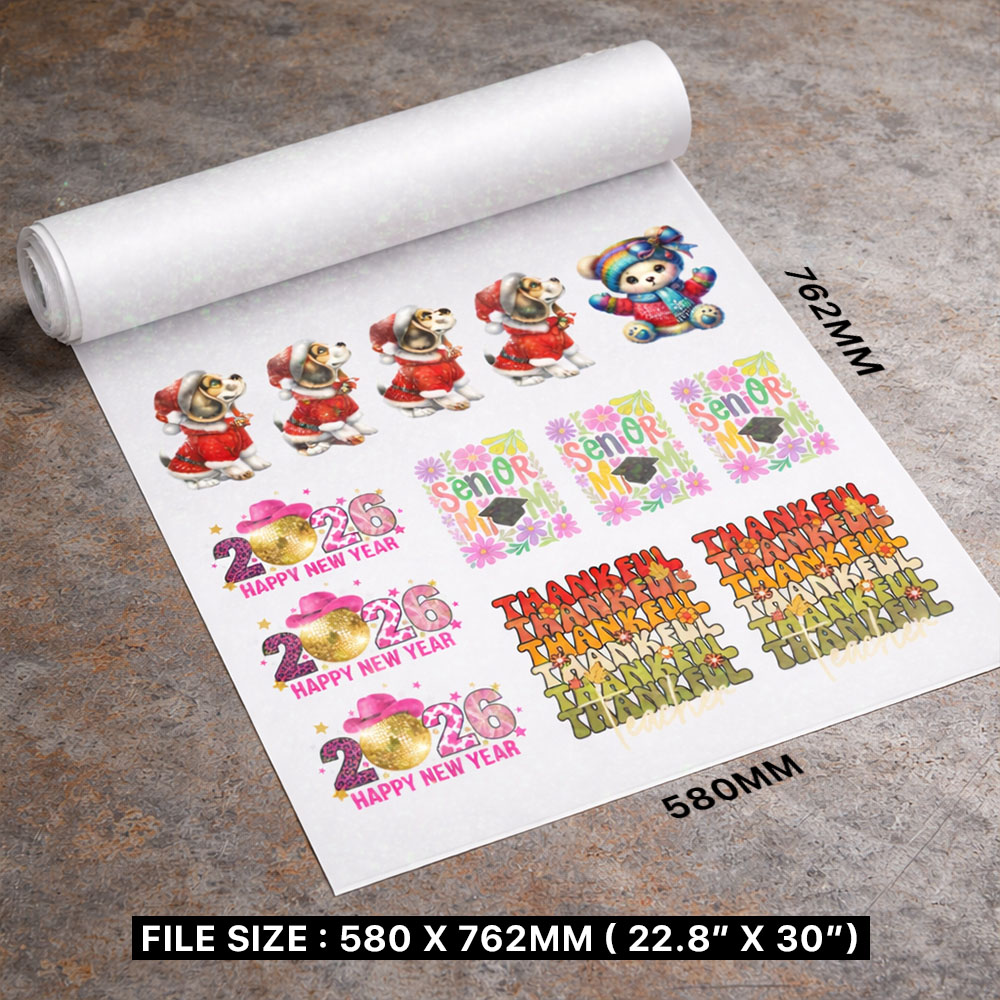
- Size: 580 x 760 mm OR 22.8″ x 30″
- File Format: PNG or TIF
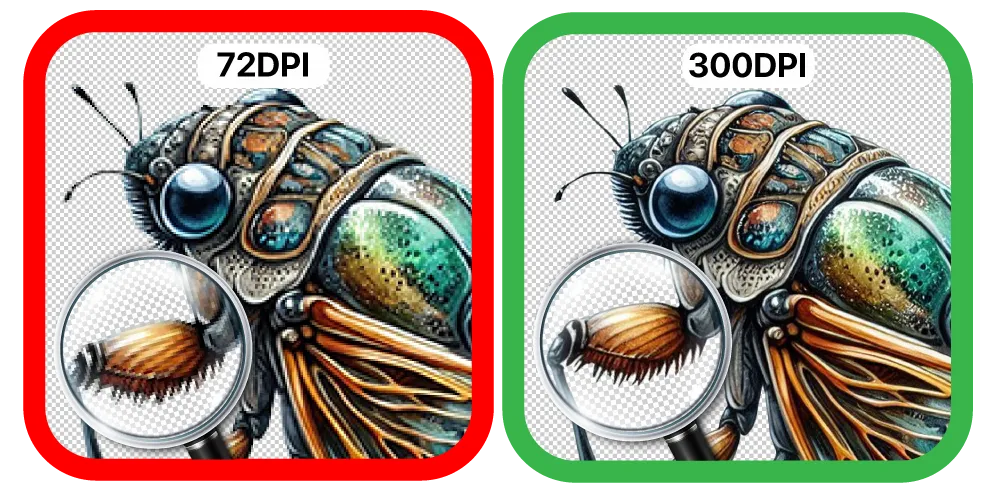
- Resolution: 300 DPI ONLY
- Background: TRANSPARENT
- Smallest Text/Design: More than 10 pixels / 0.85 mm /0.03 inch
Learn how to Prepare a DTF File
Disclaimer: Customers hold full copyright responsibility for all designs printed with us. Kindly ensure you have proper permission to use any copyrighted materials before submitting your artwork.
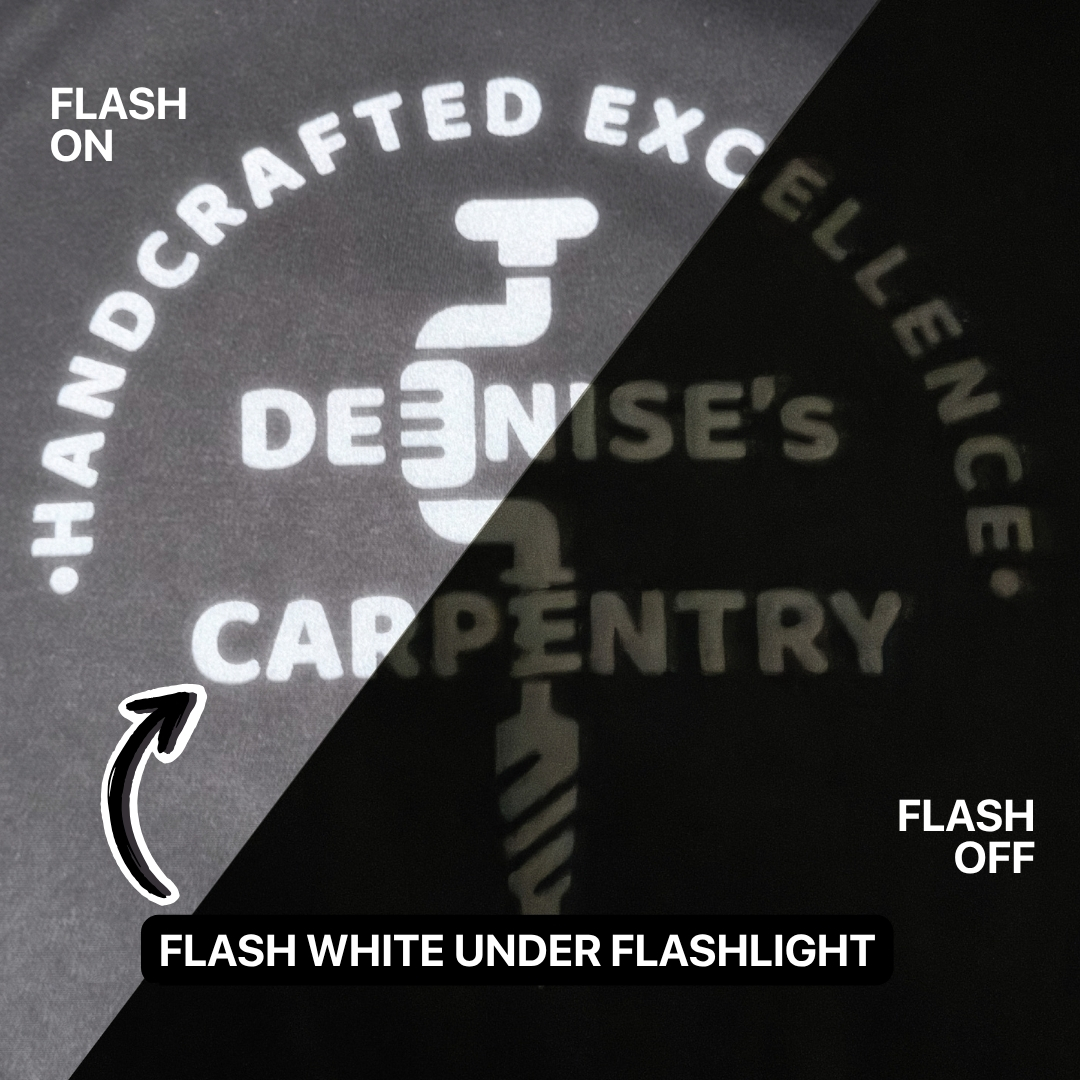
Low Light & High Visibility
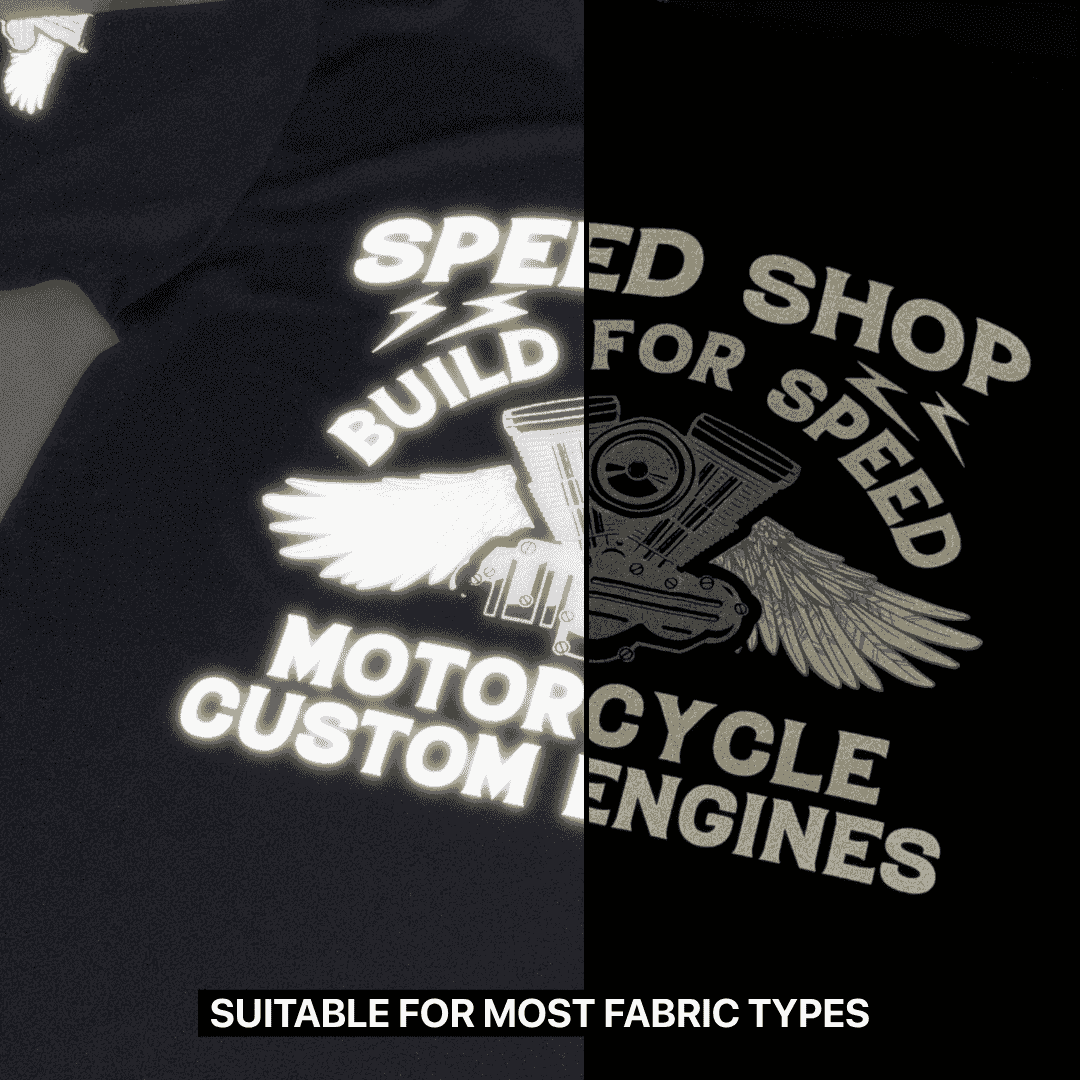
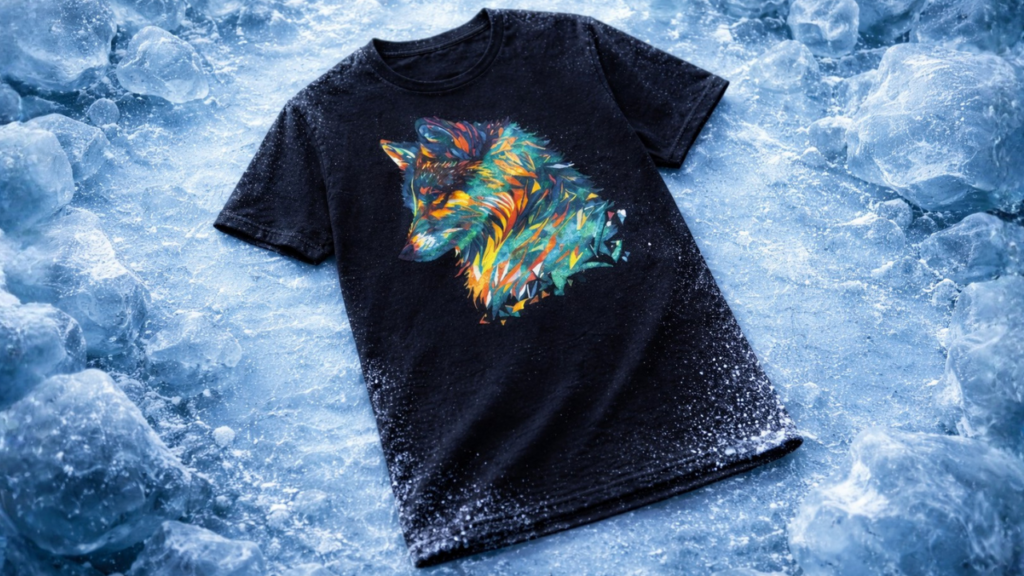
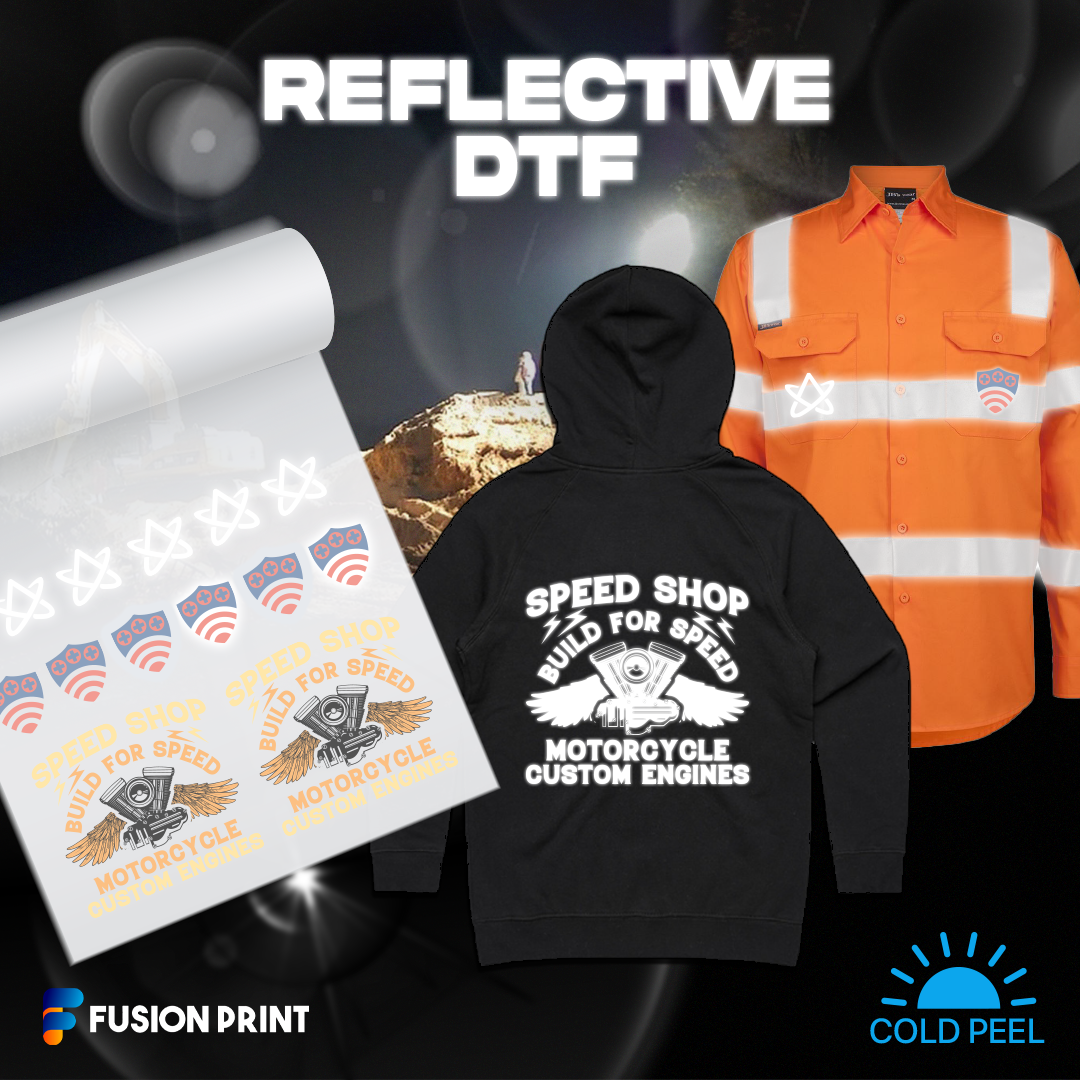
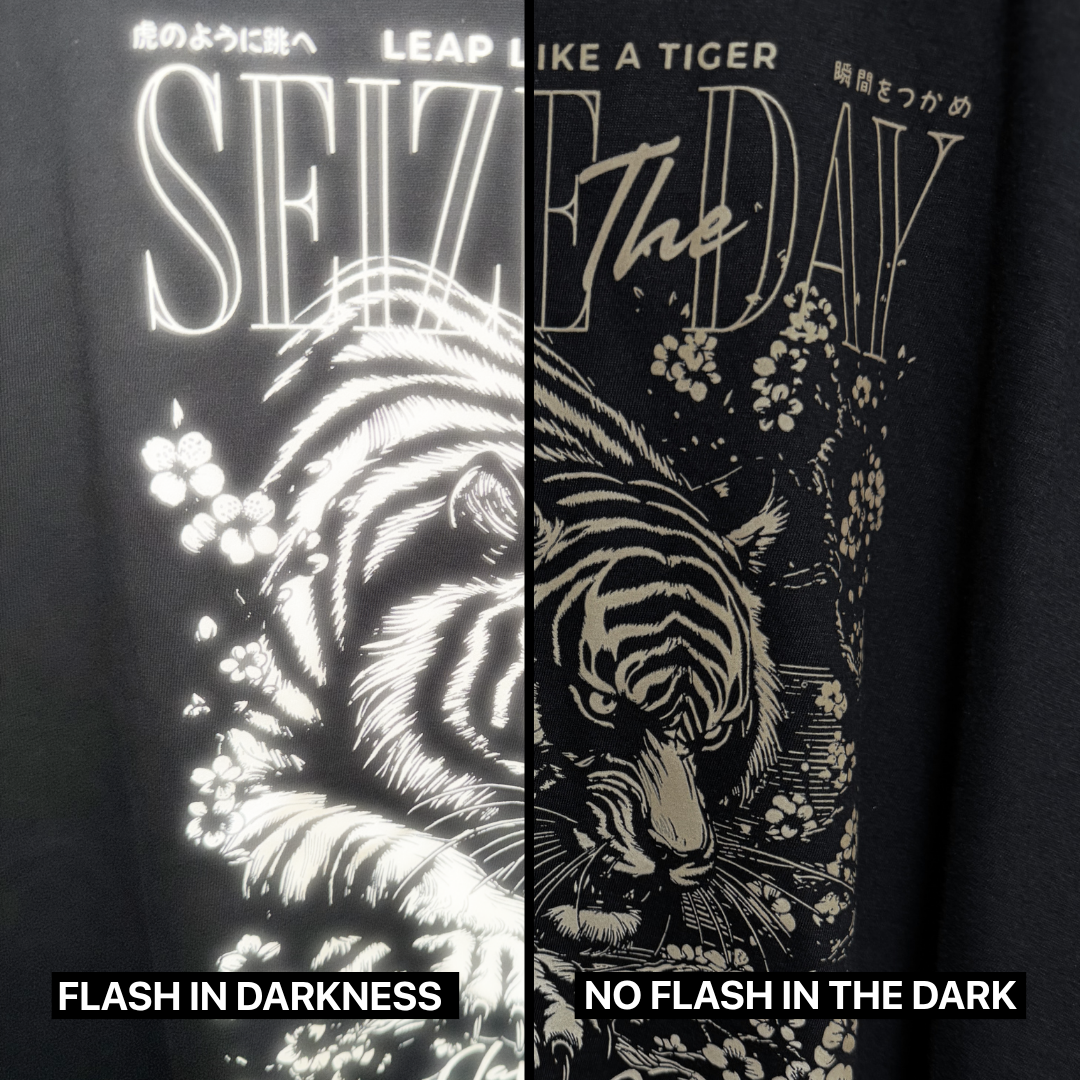
Its retro reflectivity performance rivals that of 3M™ industrial standards, ensuring maximum visibility even in low lighting conditions.
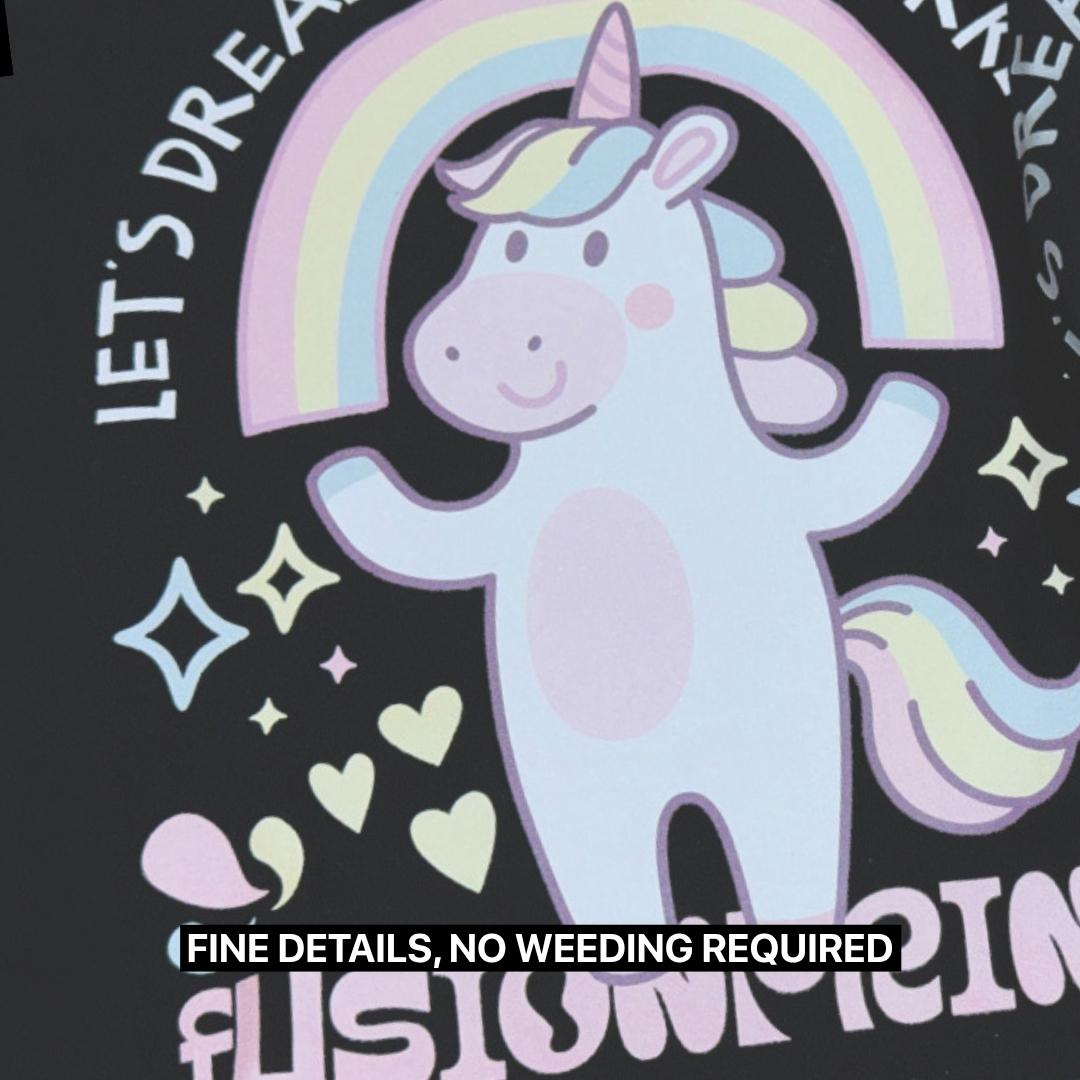
Note: A semi-transparent gray reflective coating will be applied to your entire design, which may make the colors appear less vibrant.
Reflective DTF
Low Light & High Visibility
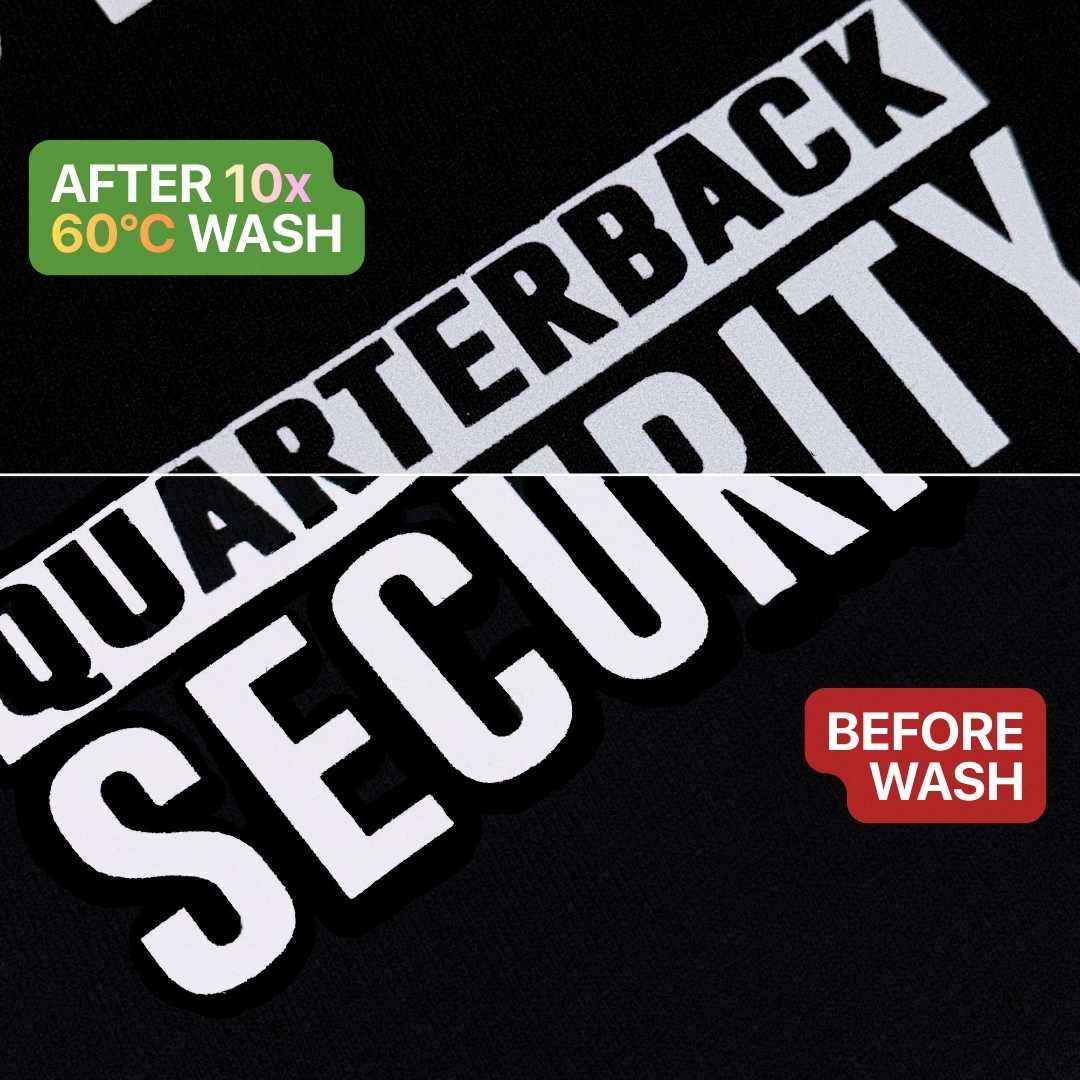
Made for creative advantage, tested for maximum durability and washability.
Its retro reflectivity performance rivals that of 3M™ industrial standards, ensuring maximum visibility even in low lighting conditions.
Note: A semi-transparent gray reflective coating will be applied to your entire design, which may make the colors appear less vibrant.
Reflective DTF
Its retro reflectivity performance rivals that of 3M™ industrial standards, ensuring maximum visibility even in low lighting conditions.
Note: A semi-transparent gray reflective coating will be applied to your entire design, which may make the colors appear less vibrant.
Artwork Specifications
Helpful tips to ensure smooth printing for the best possible results.
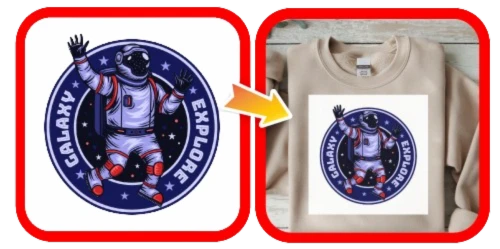
Poor Transparency
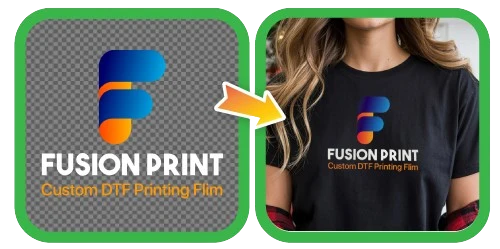
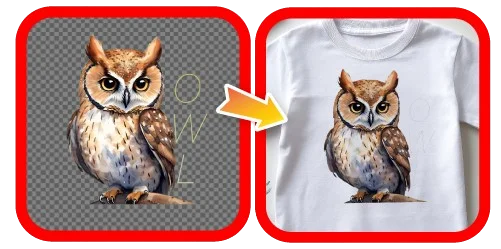
All displayed colors, including white backgrounds, will appear in the final print.
Excellent Transparency
The background is hidden in the final print. Transparency ensures precise results.
Poor Transparency
All displayed colors, including white backgrounds, will appear in the final print.
Excellent Transparency
The background is hidden in the final print. Transparency ensures precise results.
Lines or text appear
too thin
Maintain a minimum stroke width of 8–10 pixels for optimal print clarity.
Use thicker or larger fonts for clearer results.
Some pixels may shrink, so keep designs bold or thick as possible to be more visible.
Lines or text appear too thin
Maintain a minimum stroke width of
8–10 pixels for optimal print clarity.
Use thicker or larger fonts for clearer results
Some pixels may shrink, so keep designs bold or thick as possible to be more visible.
Glossy Edge
Gloss Edge - 0.5 mm
Benefits:
- Adds extra protection against chipping.
- Easier to transfer small or thin designs.
Limitations:
- May slightly change the design’s appearance.
- Thicker gloss layer takes up more space, not ideal for smaller items such as nails or pens.
No Gloss Edge - 0 mm
Benefits:
- Gives a cleaner look, ideal for tight surfaces.
- Mimics the look of direct screen printing.
Limitations:
- Small designs may stick to the transfer tape.
- Small details may chip off more easily.
Gloss Edge
0.5 mm
Benefits:
- Adds extra protection against chipping.
- Easier to transfer small or thin designs.
Limitations:
- May slightly change the design’s appearance.
- Thicker gloss layer takes up more space, not ideal for smaller items such as nails or pens.
No Gloss Edge
0 mm
Benefits:
- Gives a cleaner look, ideal for tight surfaces.
- Mimics the look of direct screen printing.
Limitations:
- Small designs may stick to the transfer tape.
- Small details may chip off more easily.
How It Works?
Step 1 - Cut Out Your Sticker
Pick your favorite sticker and cut it out from the roll or sheet! ✂️
Step 2 - Stick and Peel
Place the sticker on a clean, smooth surface, then press down firmly, smooth it out with a specialized squeegee or a PVC card, and finally gently peel away the transparent backing. ✨
Works best on glass, metal, and hard plastic.
Step 3 - Enjoy Your New Look
Your beautiful design is now perfectly transferred and ready to show off. 🎉
How It Works?
1 - Cut out a sticker
Stickers come in roll or long sheet form and you will customer a piece out for transferring / sticking
2 - Stick and Peel
Sticking it onto a hard surface like Glass, Metal or Plastic that is clean and stackable, squeeze or apply pressure around the design and Peel!
3 - Done Transferring!
The print will be transferred to the surface.