We are closed on 17 & 18 February for CNY celebration. 👉 Last order cutoff to ship before holiday: 15 February, 10PM (NY Time) Kindly place your order early to avoid delay. Business will resume after the holiday. Thank you & Gong Xi Fa Cai!
Closed for Lunar New Year (17–18 February 2026)
To avoid any delays, kindly place your orders before the final shipping cutoff on Sunday, 22:00 (UTC -5, New York Time) to ensure dispatch before the holiday. Business operations will resume after the holiday. Thank you for your understanding and continued support.
We are closed on Friday, 1st May 2026 for Labour Day. Business operations will resume on Monday, 4th May 2026.
📢 Labour Day Closure (1 May 2026)
We are closed on Friday, 1st May 2026 for Labour Day. Business operations will resume on Monday, 4th May 2026.
🧧 Chinese New Year Closure Notice 🧧
We are closed on 17 & 18 February for CNY celebration. Last order cutoff to ship before holiday: 15 February, 10PM (NY Time) Kindly place your order early to avoid delay. Business will resume after the holiday. Thank you & Gong Xi Fa Cai!
Sale!
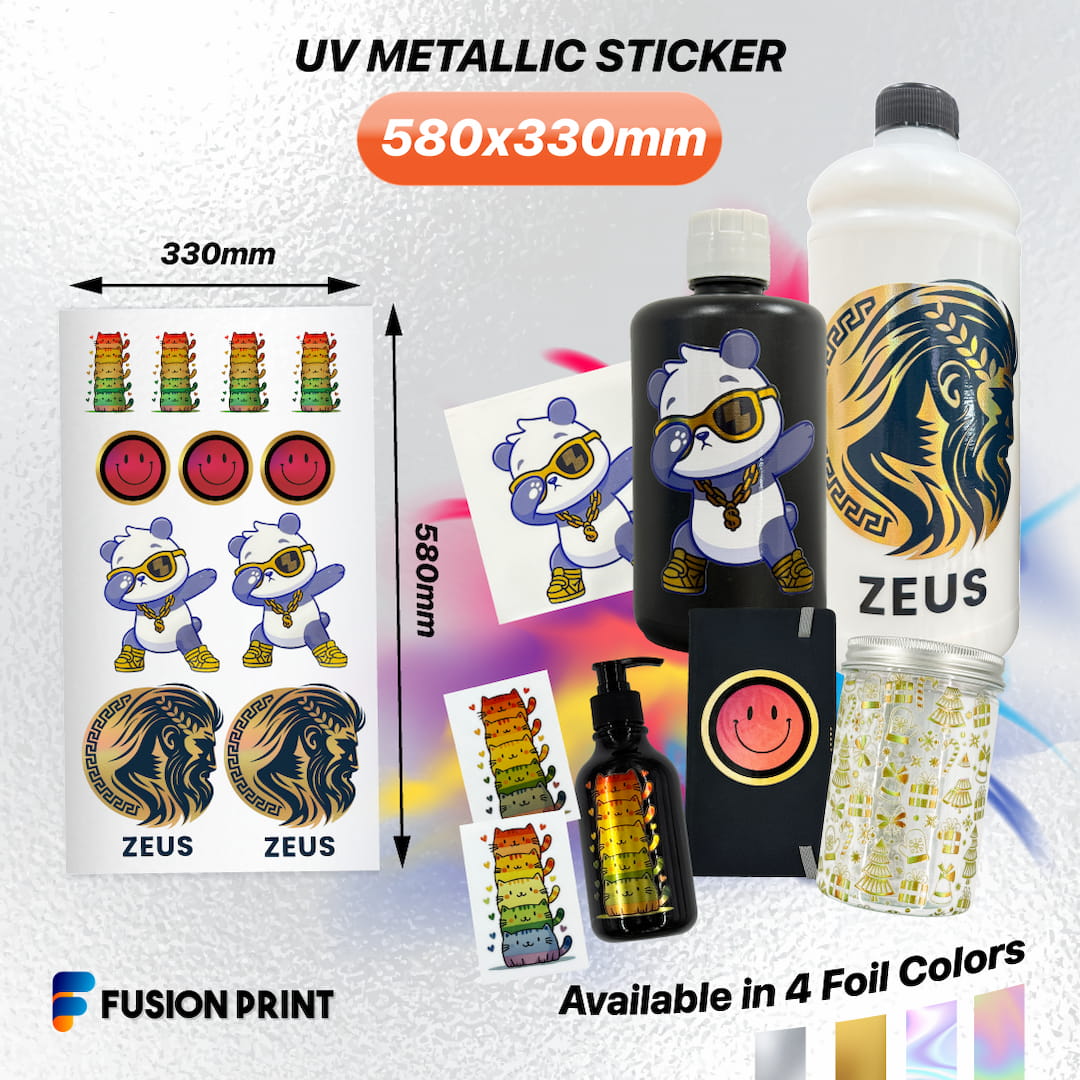
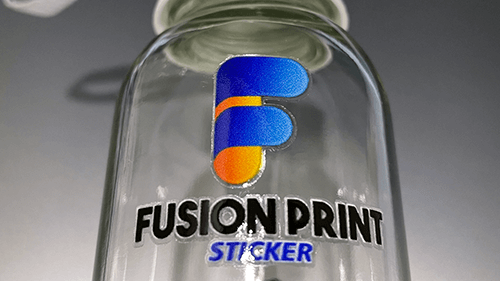
Fusion Print Metallic UV DTF Sticker
Artwork Specifications:
Size: 580 x 330 mm OR 22.8″ x 13″
File Format: PNG or TIF
Resolution: 300 DPI ONLY
Background: TRANSPARENT
Smallest Text/Design: More than 10 pixels / 0.85 mm /0.03 inch
Layer Name for Partial Metallic: “fpfoil1”
Disclaimer: Customers hold full copyright responsibility for all designs printed with us. Kindly ensure you have proper permission to use any copyrighted materials before submitting your artwork.
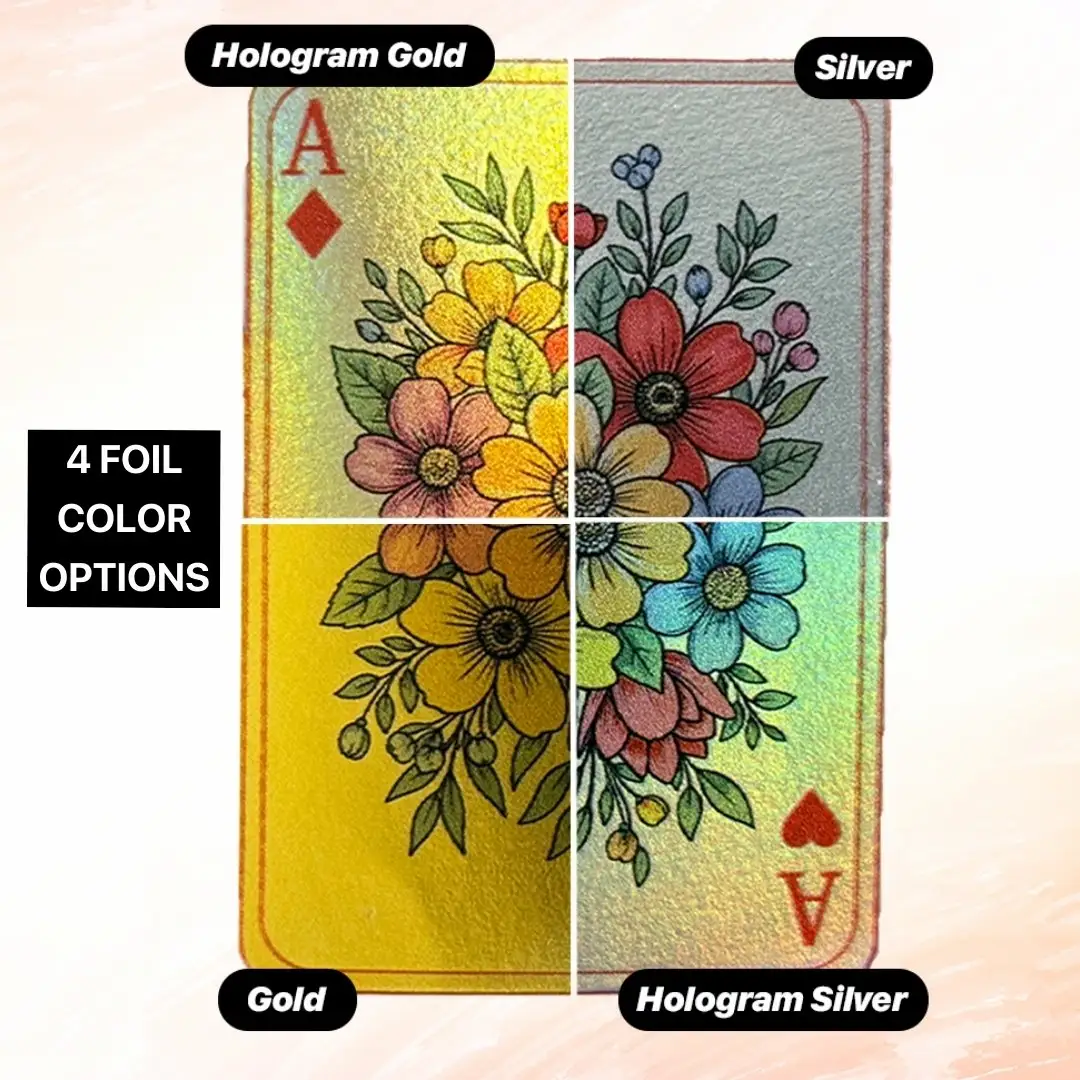
Metallic Types
Explore the versatility of metallic finishes designed to complement any artwork.
Explore the versatility of metallic finishes designed to complement any artwork.
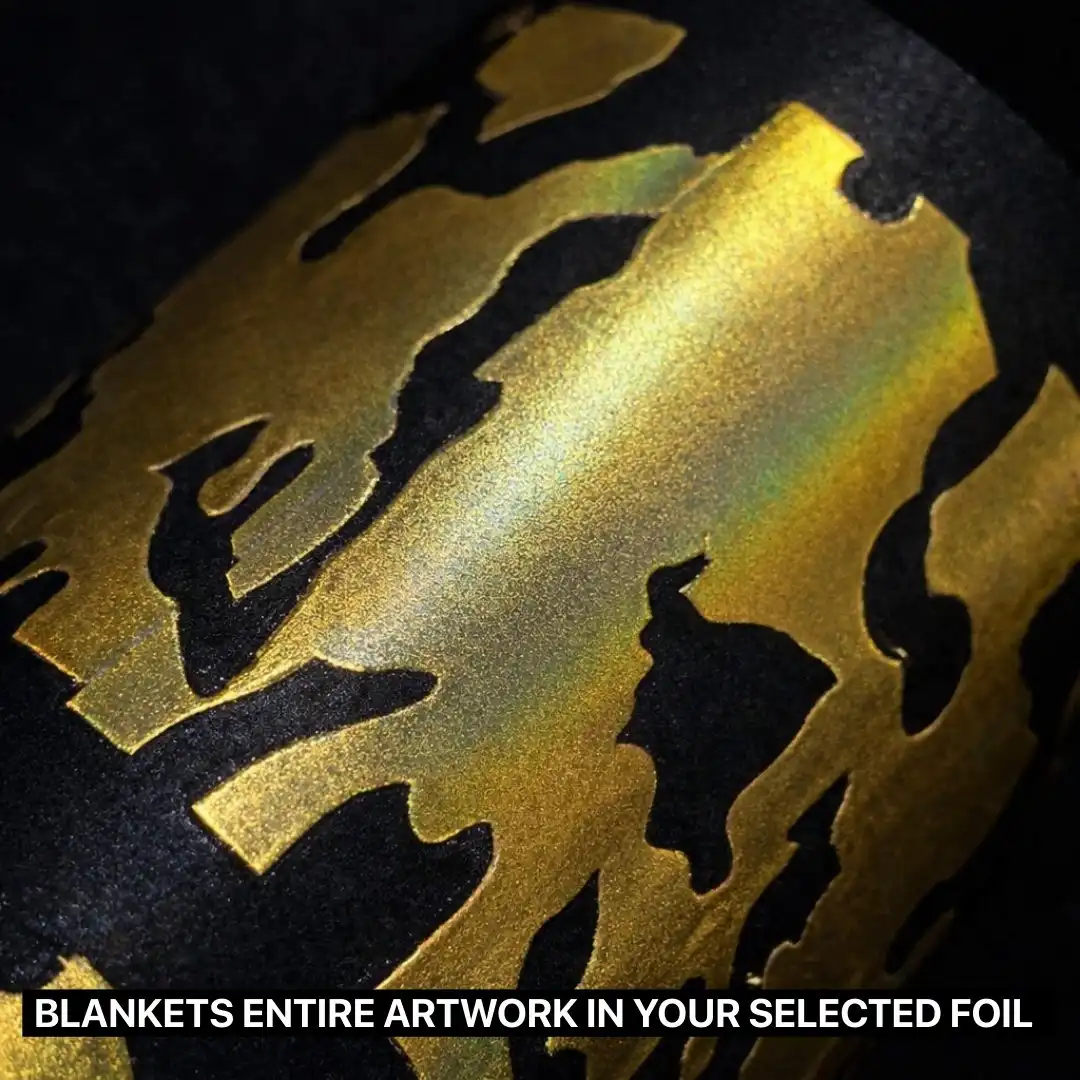
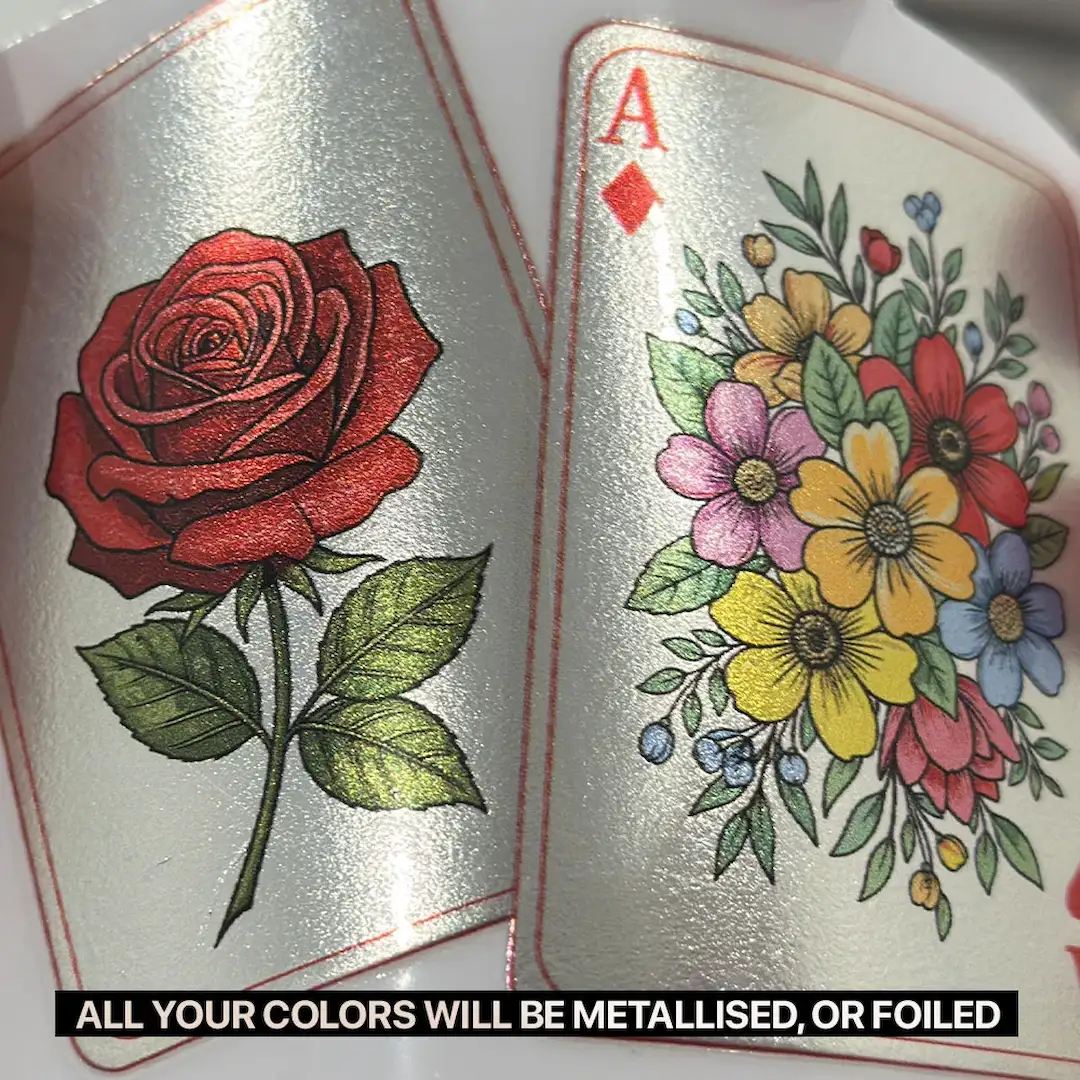
Full Metallic
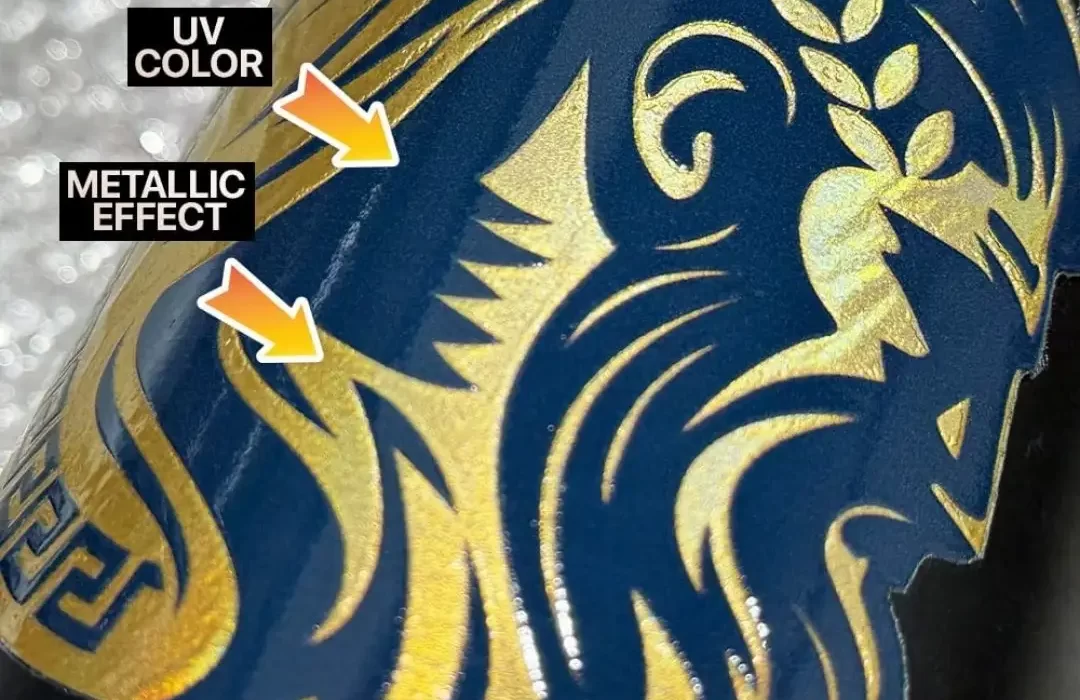
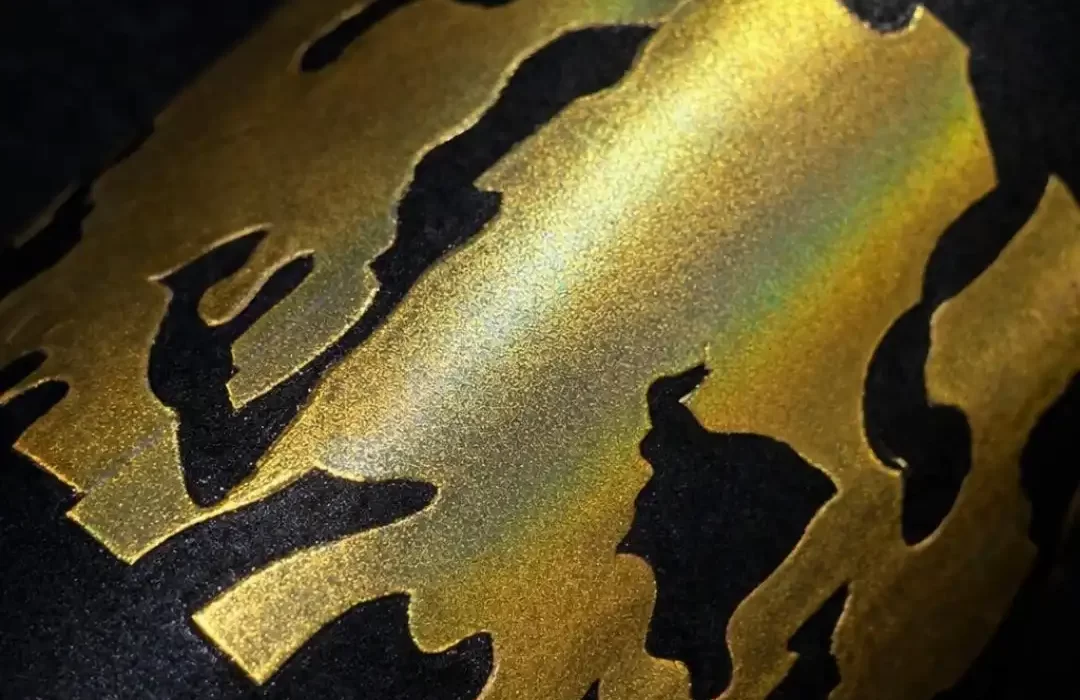
Coats the entire artwork with a metallic finish. Lighter colors will appear reflective and more vibrant, while dark colors will have a subtler metallic sheen, giving your design a bold, uniform shine.
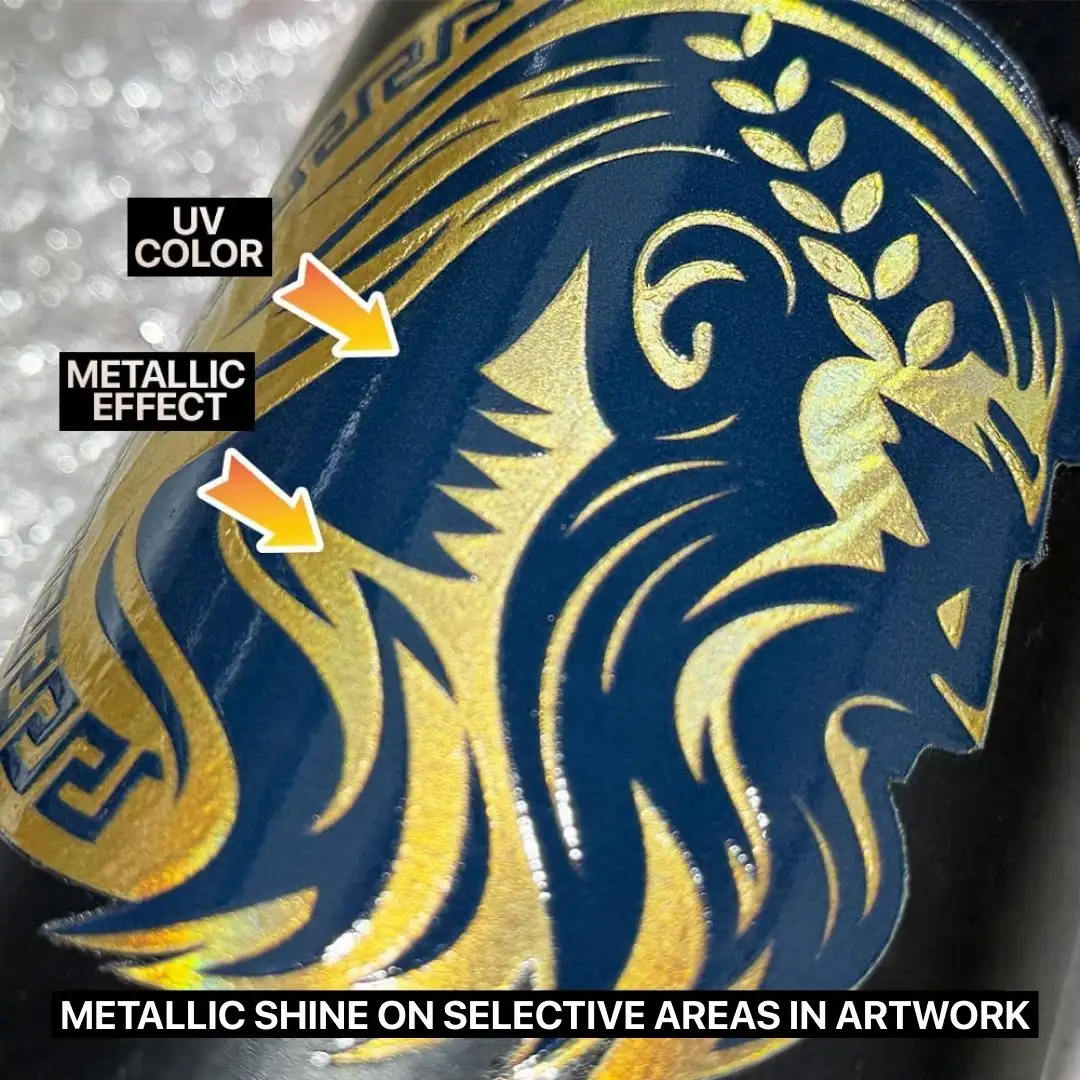
Partial Metallic
Applies metallic coating only to selected areas of your artwork, allowing you to highlight specific design elements while keeping the rest printed as standard DTF film.
* Require TIF file with a specific layer named exactly “fpfoil1” to define the metallic areas, while all other layers will be printed as solid colors with a white ink base.
Foil Only
Strips away all colors and transforms your entire design into one striking foil color. Perfect for one-color artworks with transparent backgrounds, resulting in a sleek, premium metallic finish.
Effect:
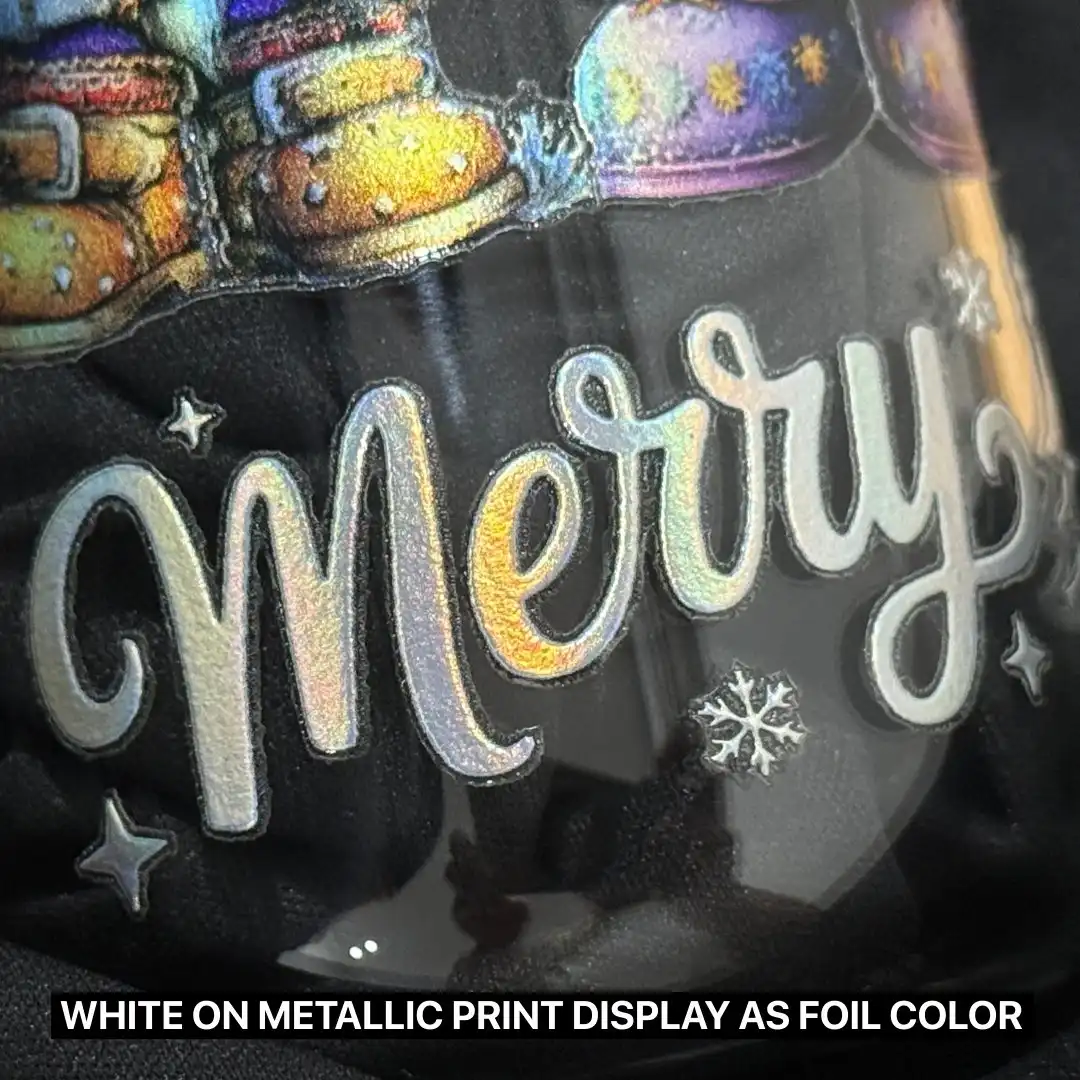
White areas are seen as foil’s chosen color.
Metallic coverage for the entire artwork.
Ideal for designs that require a striking, all-over metallic appearance.
Effect:
Have a combination of both metallic and regular DTF effect.
White areas will display your chosen foil color.
Great for designs where metallic shine enhances only certain parts such as logos, highlights and accents.
Effect:
Full metallic coverage applied across the entire artwork in your selected foil color.
Transparent areas will remain clear.
Perfect for minimalist, bold or text-based artwork.
Full Metallic
Coats the entire artwork with a metallic finish. Lighter colors will appear reflective and more vibrant, while dark colors will have a subtler metallic sheen, giving your design a bold, uniform shine.
Effect:
White areas are seen as foil’s chosen color.
Metallic coverage for the entire artwork.
Ideal for designs that require a striking, all-over metallic appearance.
Partial Metallic
Applies metallic coating only to selected areas of your artwork, allowing you to highlight specific design elements while keeping the rest printed as standard DTF film.
* Require TIF file with a specific layer named exactly “fpfoil1” to define the metallic areas, while all other layers will be printed as solid colors with a white ink base.
Effect:
Have a combination of both metallic and regular DTF effect.
White areas will display your chosen foil color.
Great for designs where metallic shine enhances only certain parts such as logos, highlights and accents.
Foil Only
Strips away all colors and transforms your entire design into one striking foil color. Perfect for one-color artworks with transparent backgrounds, resulting in a sleek, premium metallic finish.
Effect:
Full metallic coverage applied across the entire artwork in your selected foil color.
Transparent areas will remain clear.
Perfect for minimalist, bold or text-based artwork.
How It Works?
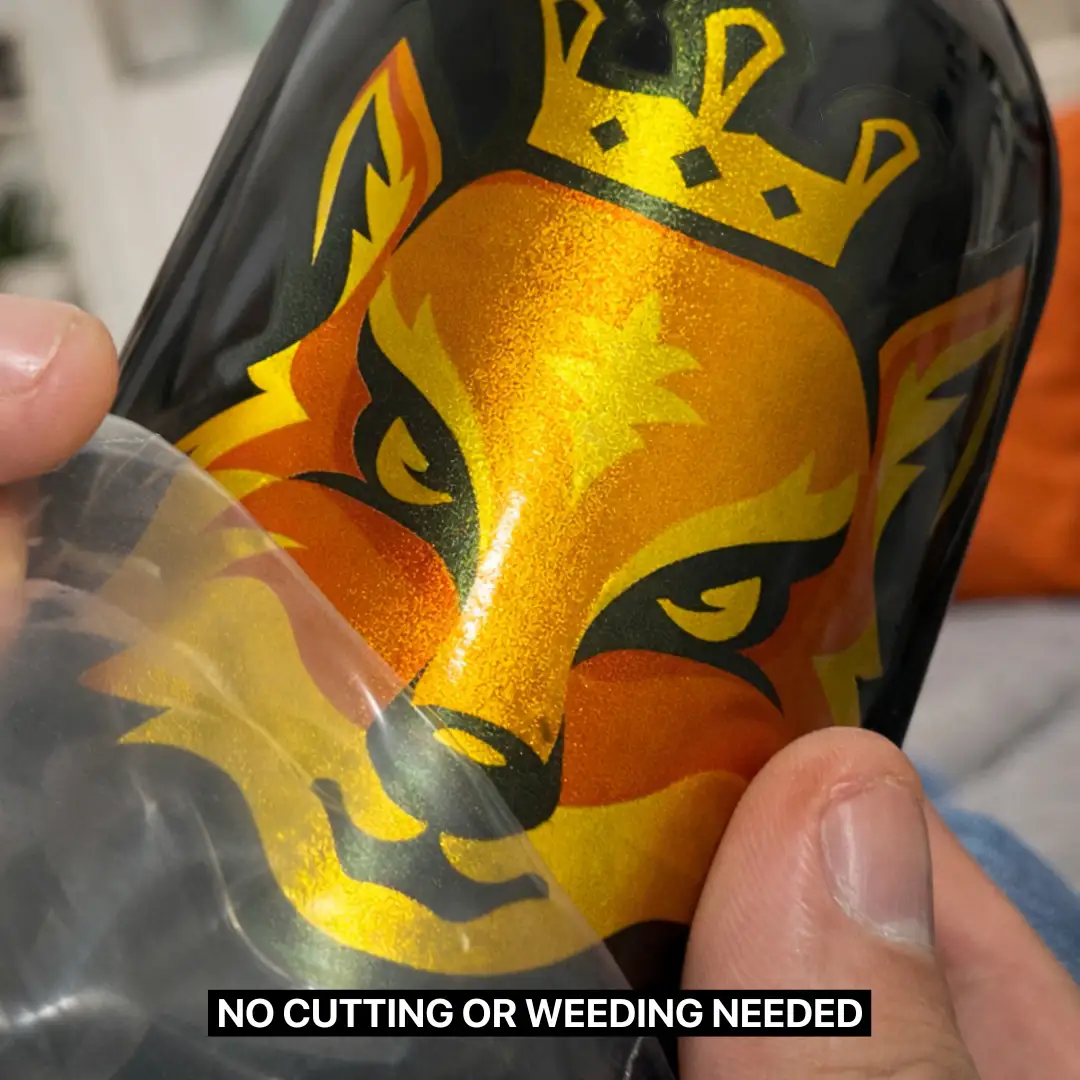
Step 1 - Cut Out Your Sticker
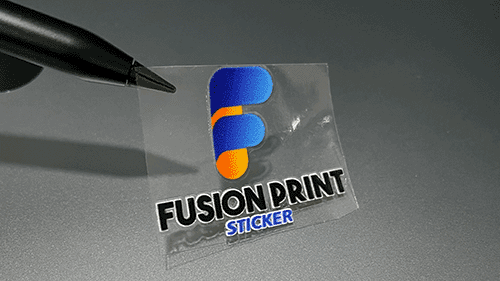
Pick your favorite sticker and cut it out from the roll or sheet! ✂️
Step 2 - Stick and Peel
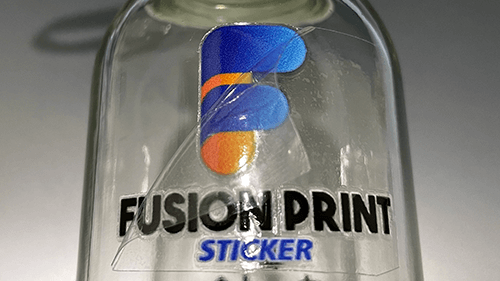
Place the sticker on a clean, smooth surface, then press down firmly, smooth it out with a specialized squeegee or a PVC card, and finally gently peel away the transparent backing. ✨
Works best on glass, metal, and hard plastic.
Step 3 - Enjoy Your New Look
Your beautiful design is now perfectly transferred and ready to show off. 🎉
Artwork Specifications
Helpful tips to ensure smooth printing for the best possible results.
Helpful tips to ensure smooth printing for the best possible results.
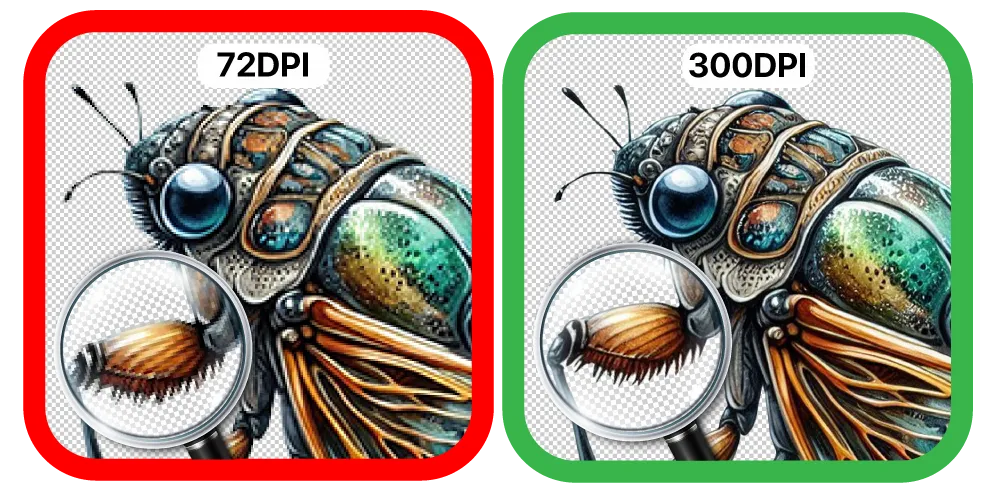
Print Perfection Through DPI
Dots Per Inch (DPI) defines your print’s detail and clarity. Higher DPI means sharper edges, smoother gradients, and vibrant, professional results. Low DPI leads to pixelation, blurred or missing lines, and dull prints.
For best results, set artwork to 300 DPI.
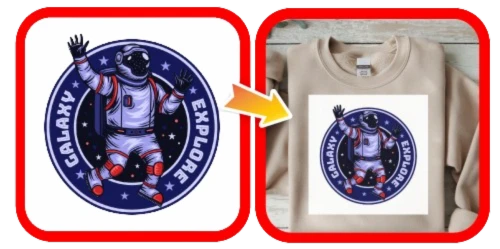
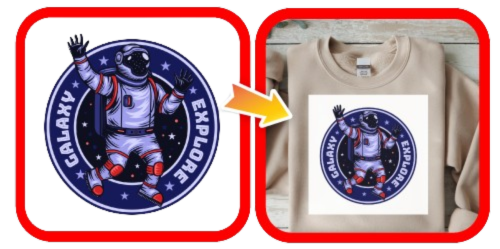
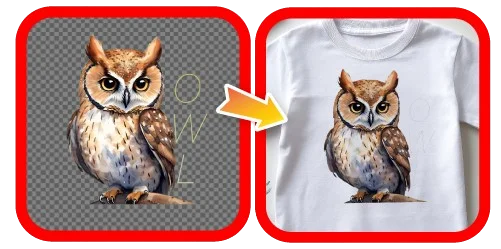
Poor Transparency
All displayed colors, including white backgrounds, will appear in the final print.
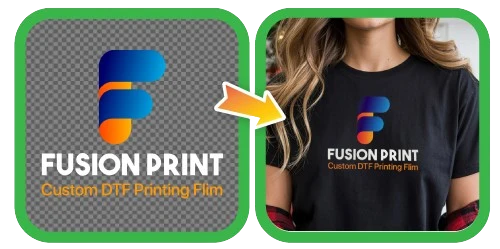
Excellent Transparency
The background is hidden in the final print. Transparency ensures precise results.
Poor Transparency
All displayed colors, including white backgrounds, will appear in the final print.
Excellent Transparency
The background is hidden in the final print. Transparency ensures precise results.
Lines or text appear too thin
Maintain a minimum stroke width of 8–10 pixels for optimal print clarity.
Use thicker or larger fonts for clearer results.
Some pixels may shrink, so keep designs bold or thick as possible to be more visible.


 LABOUR DAY CLOSURE