Glitter DTF Roll Film
$ 14.63 $ 10.92
Artwork Specifications:
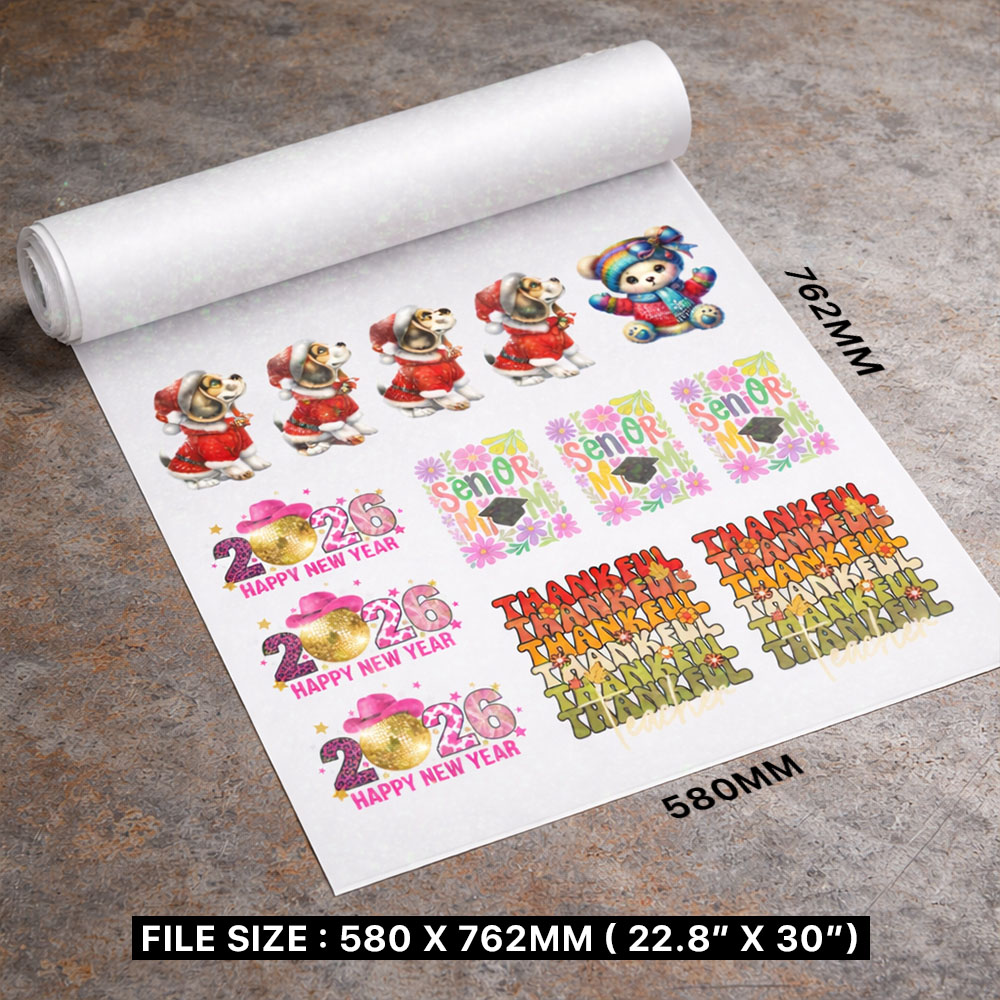
- Size: 580 x 760 mm OR 22.8″ x 30″
- File Format: PNG or TIF
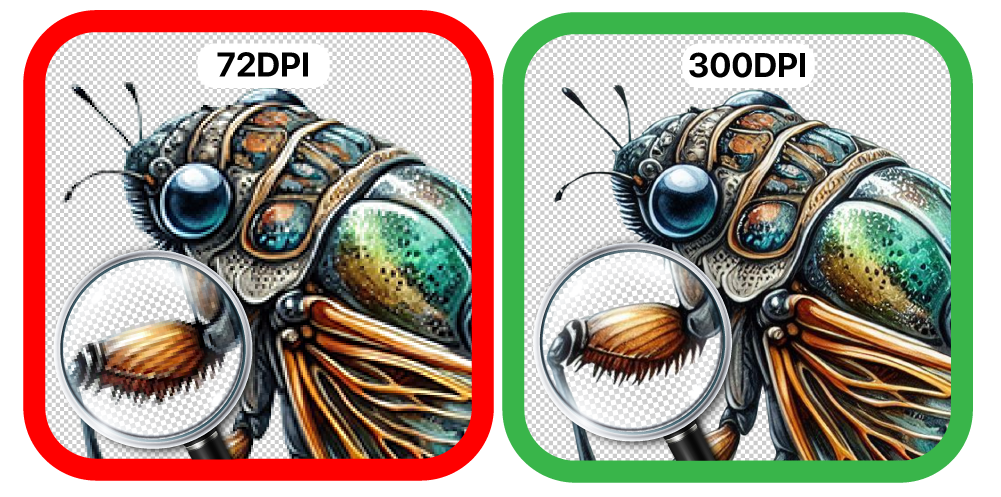
- Resolution: 300 DPI ONLY
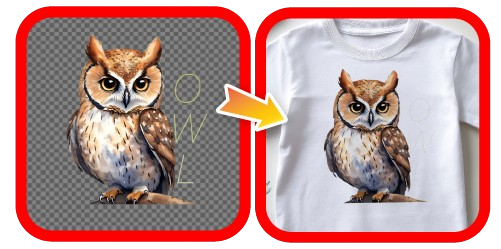
- Background: TRANSPARENT
- Smallest Text/Design: More than 10 pixels / 0.85 mm /0.03 inch
Learn how to Prepare a DTF File
Disclaimer: Customers hold full copyright responsibility for all designs printed with us. Kindly ensure you have proper permission to use any copyrighted materials before submitting your artwork.
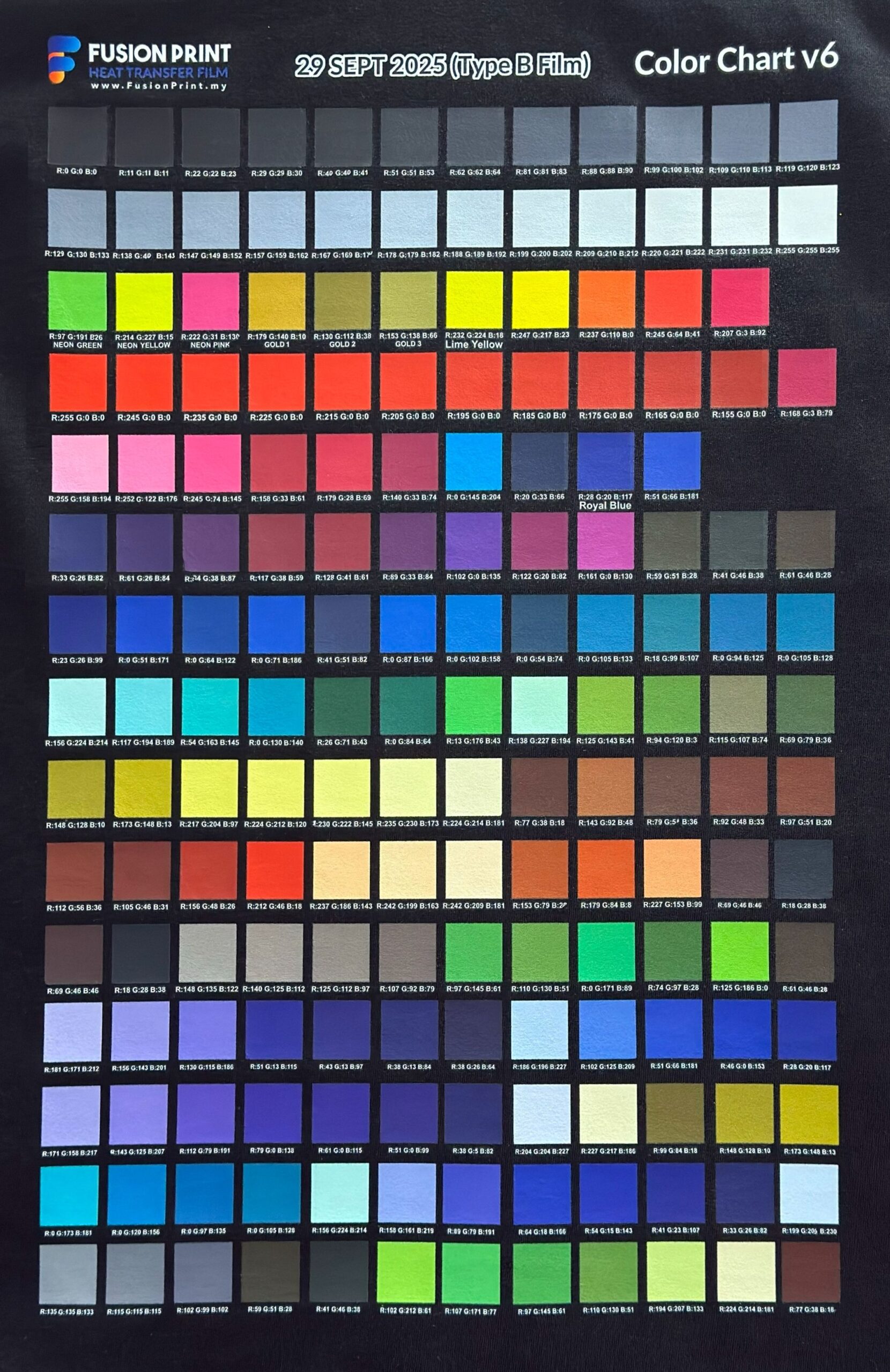
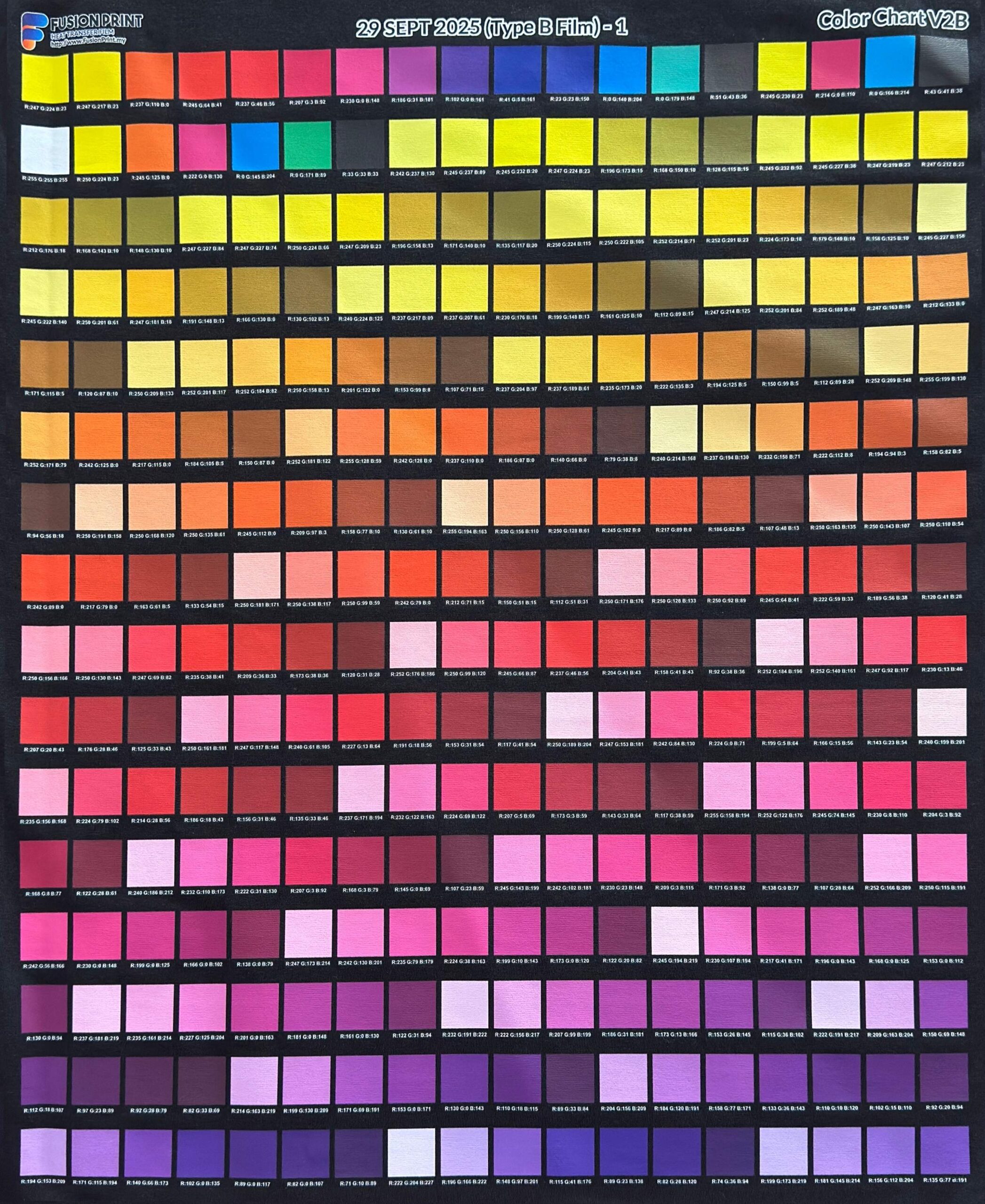
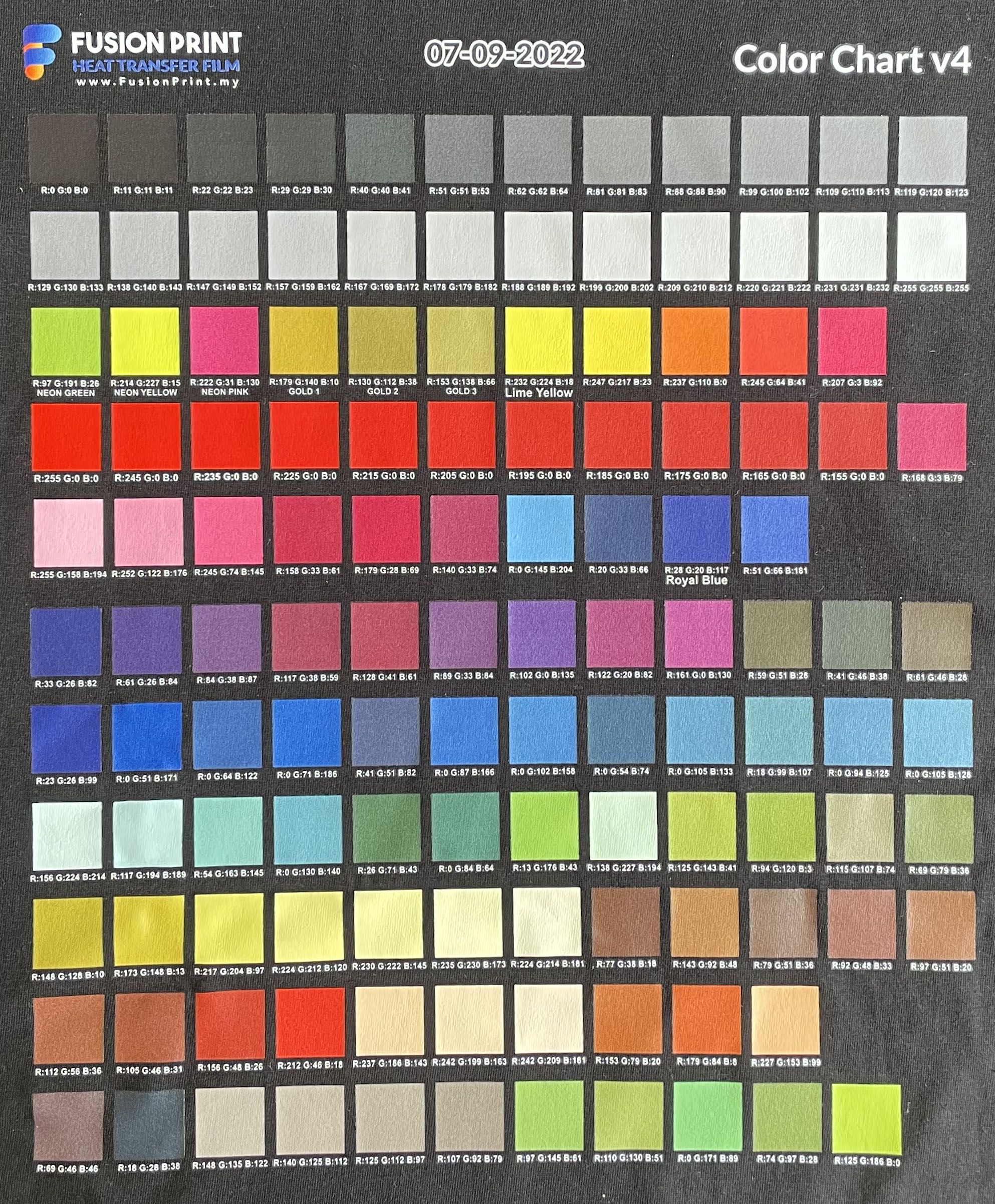
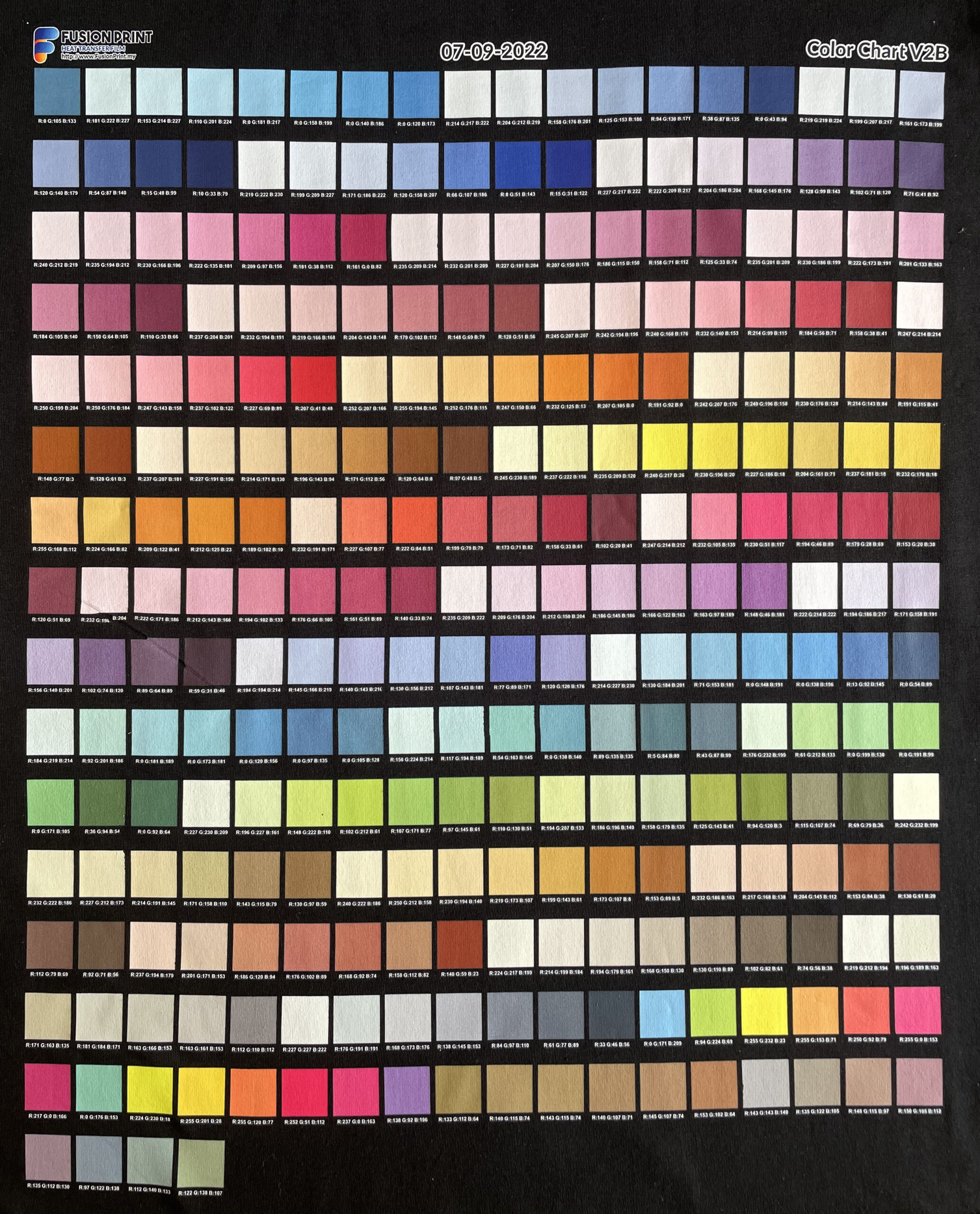
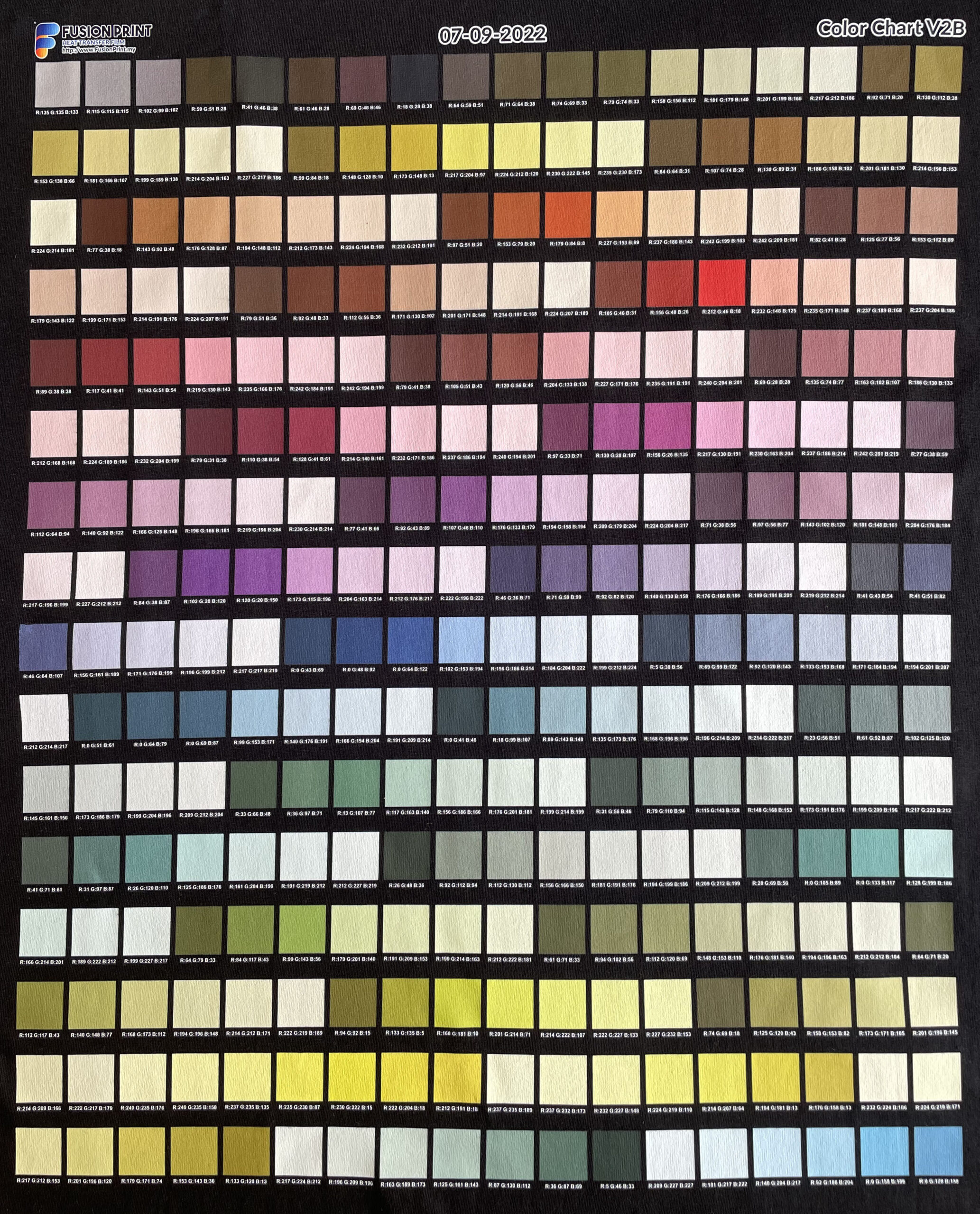
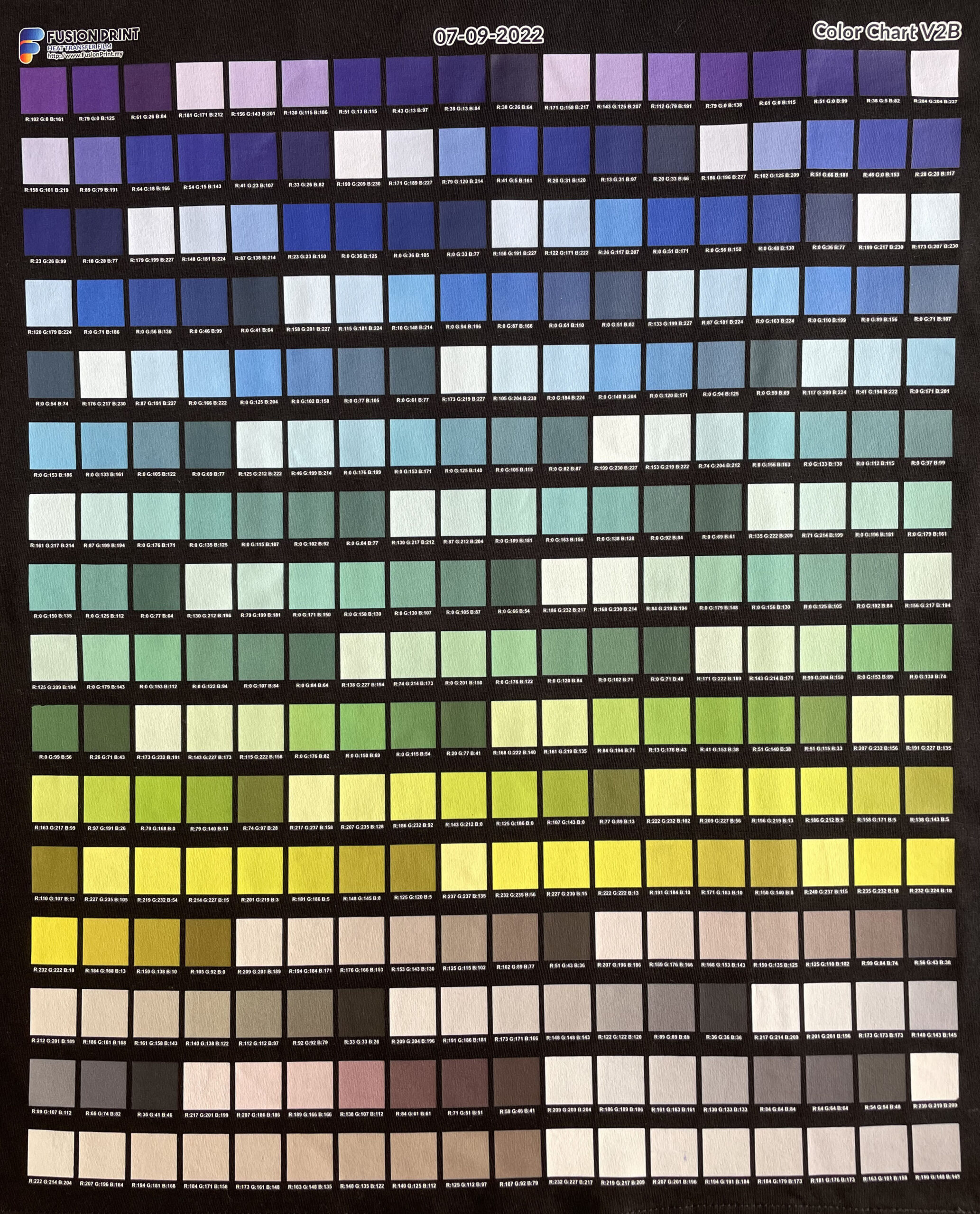
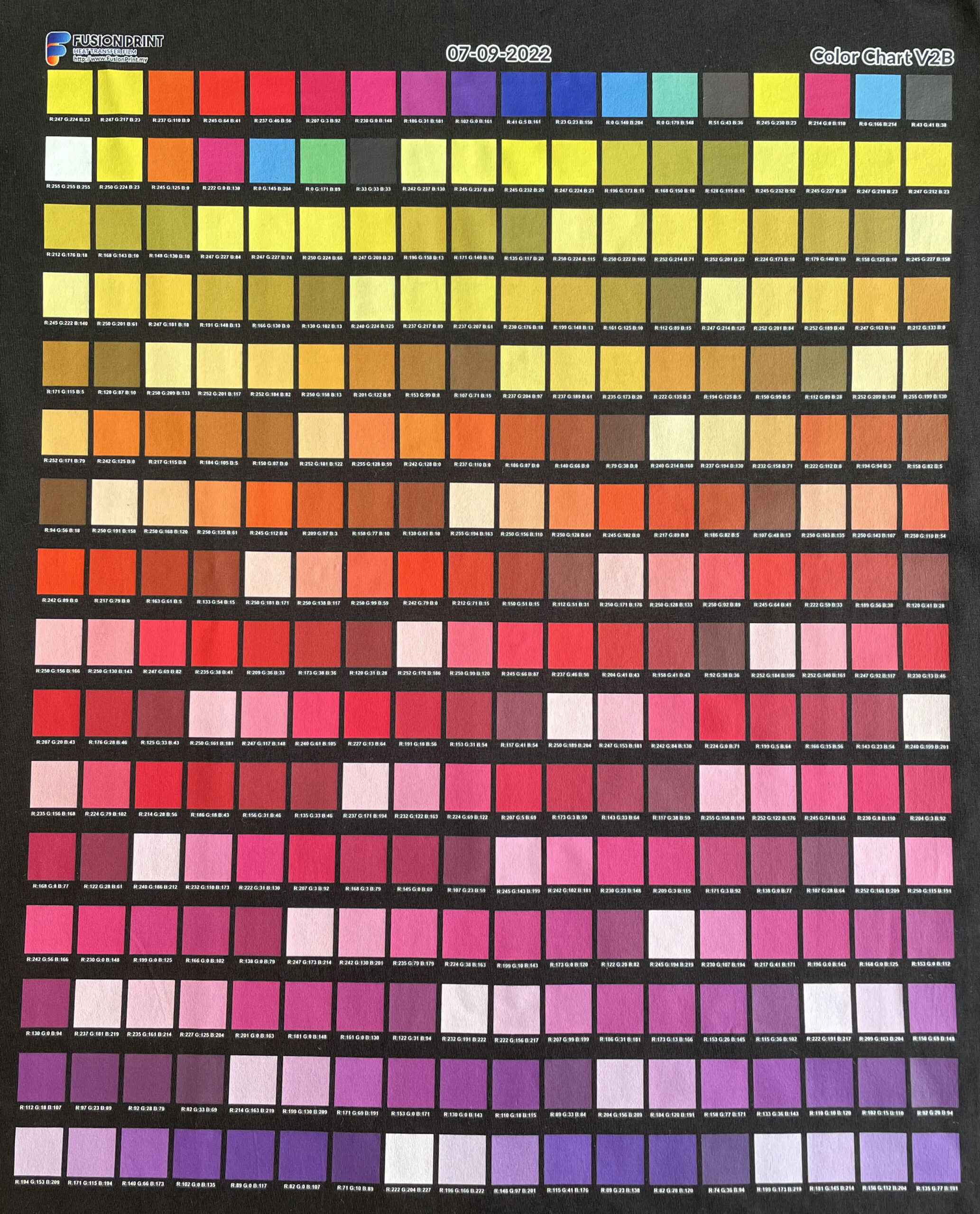
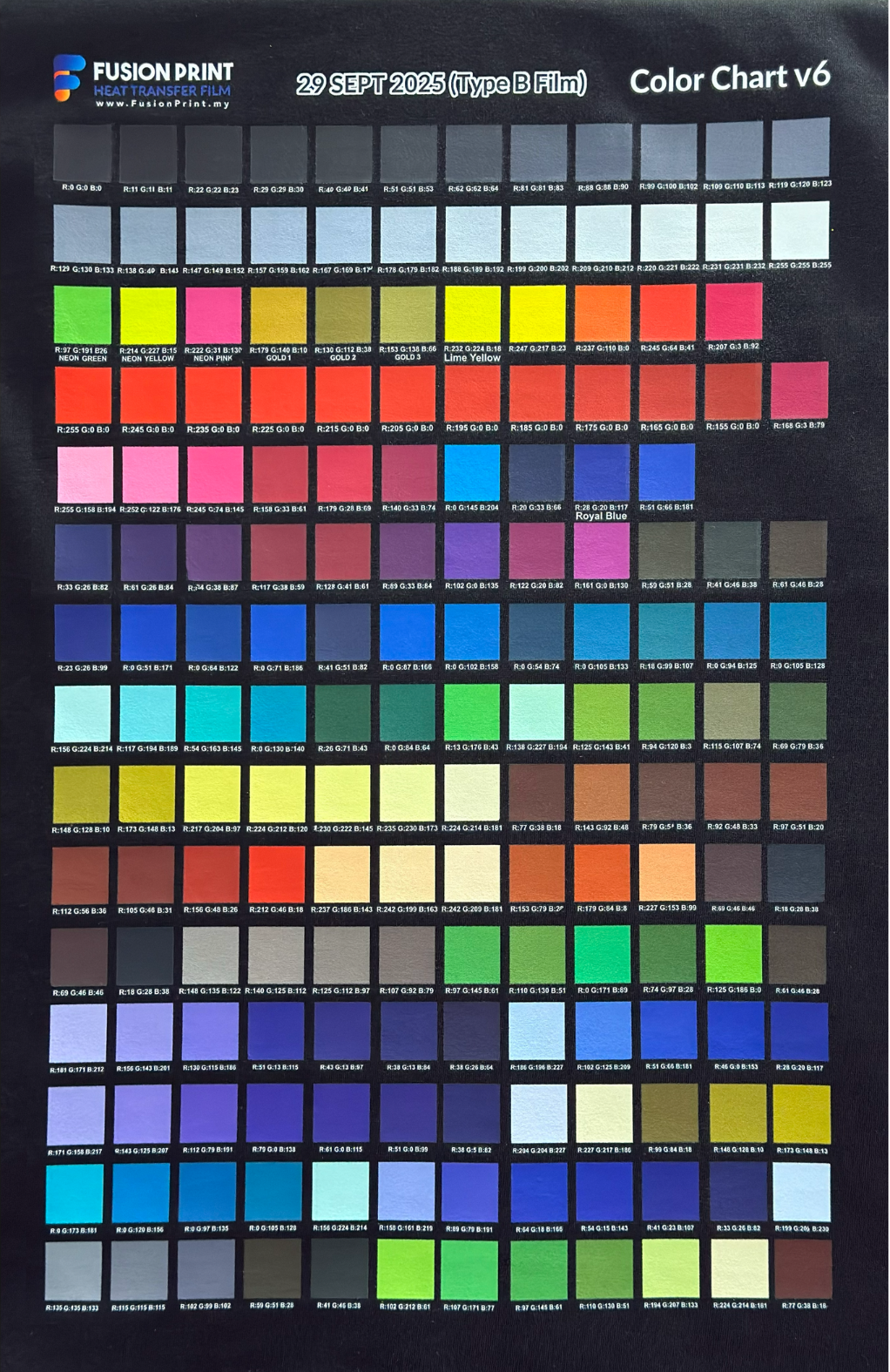
Color Chart
Enlarge image and share to download any of our Color Charts
Color Chart
Enlarge image and share
to download any of our Color Charts
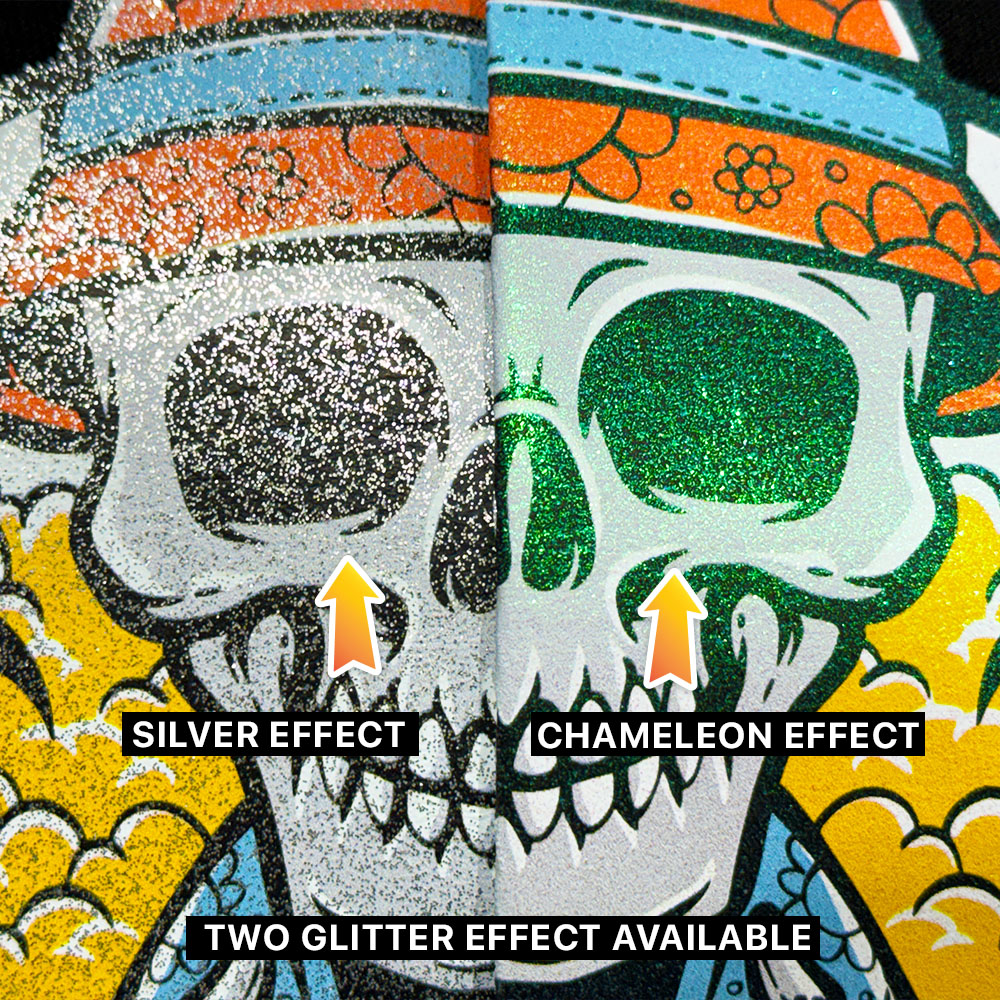
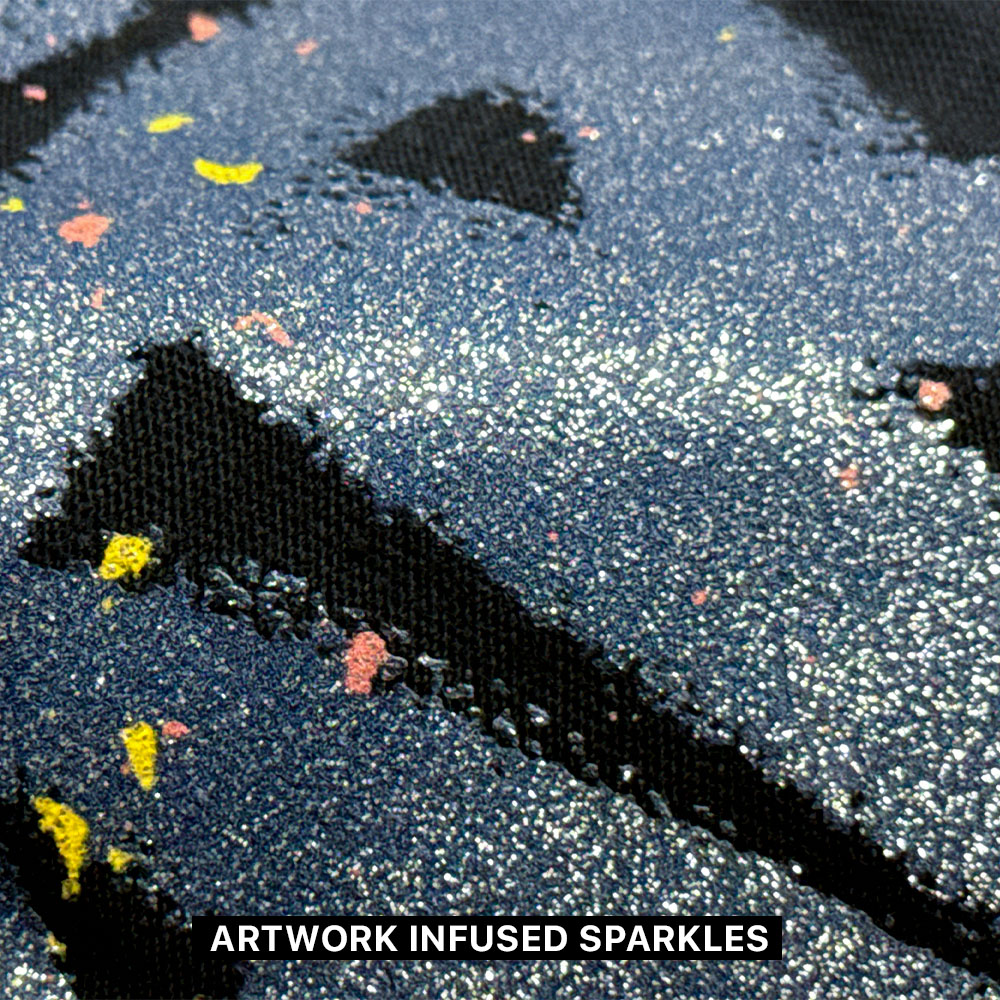
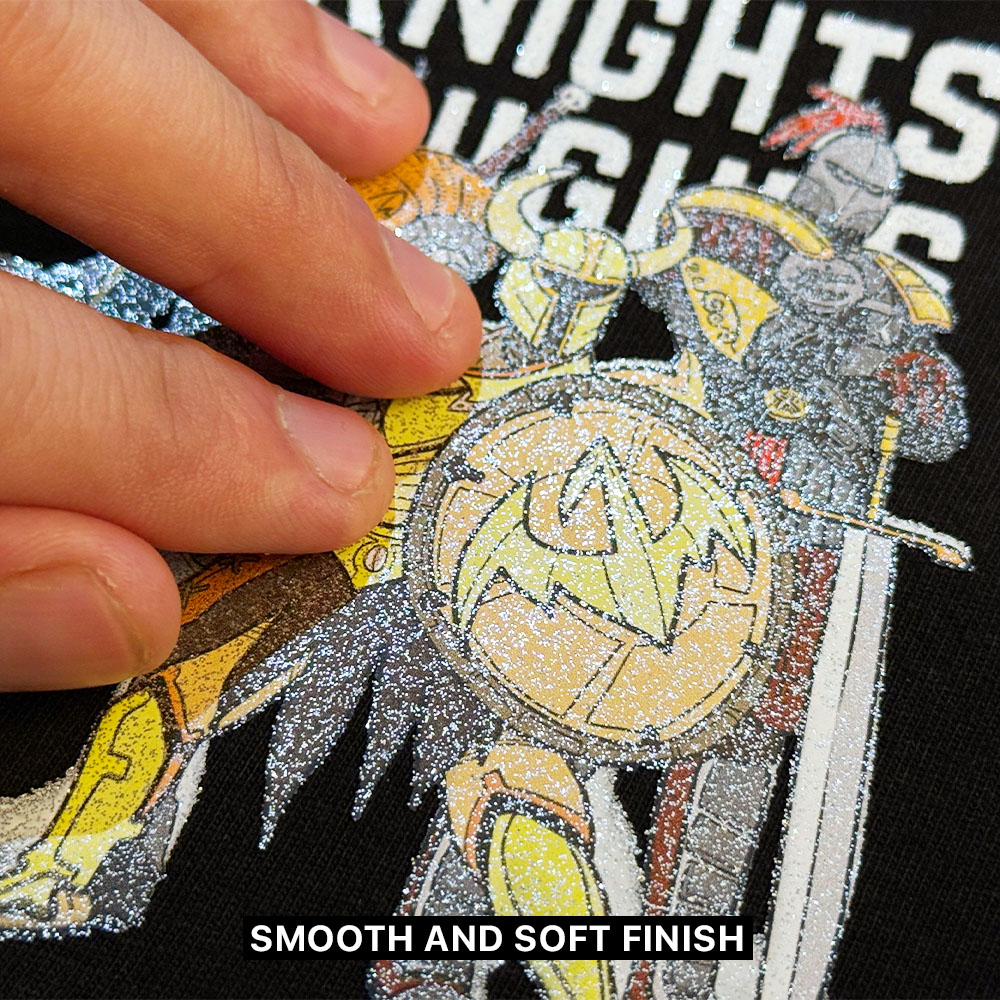
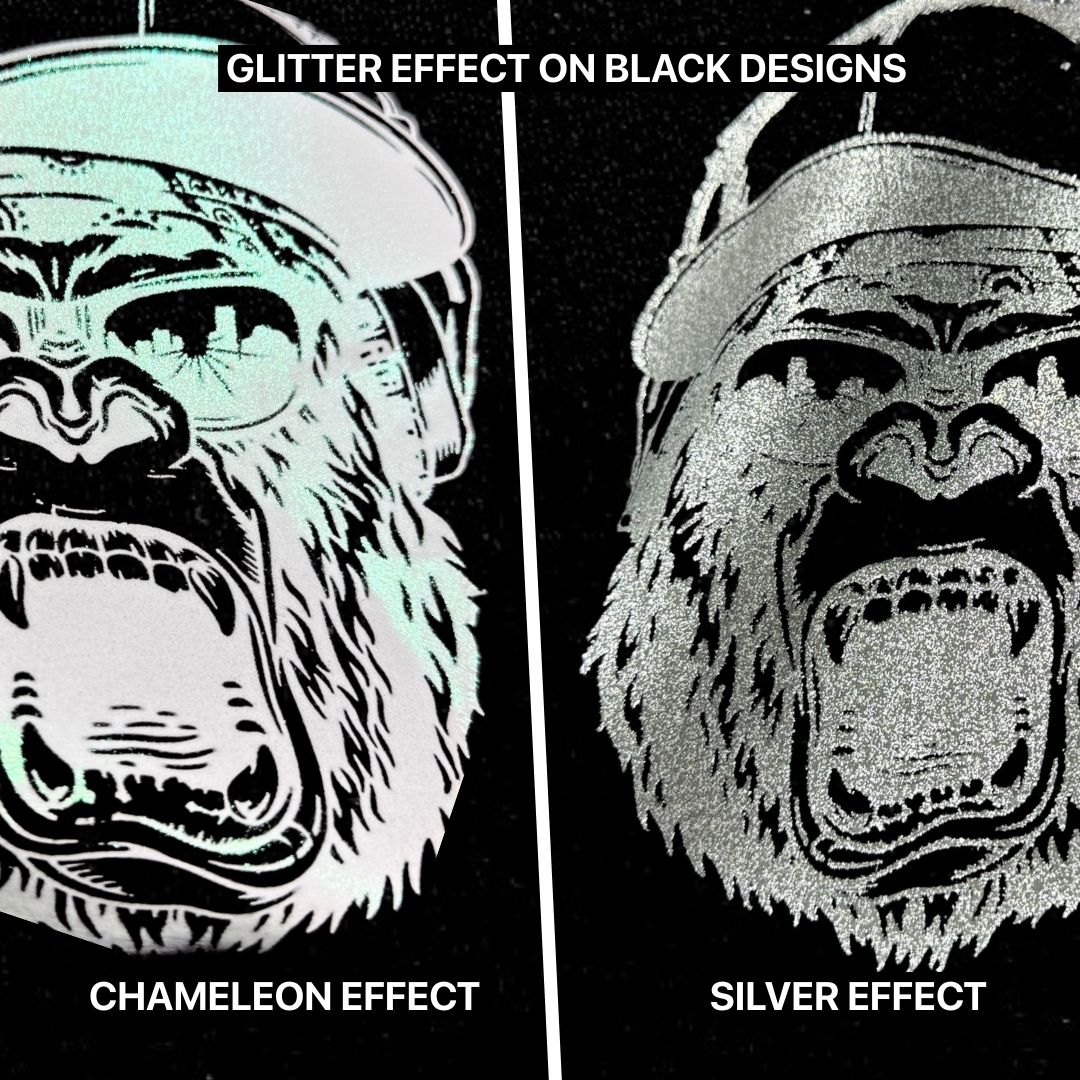
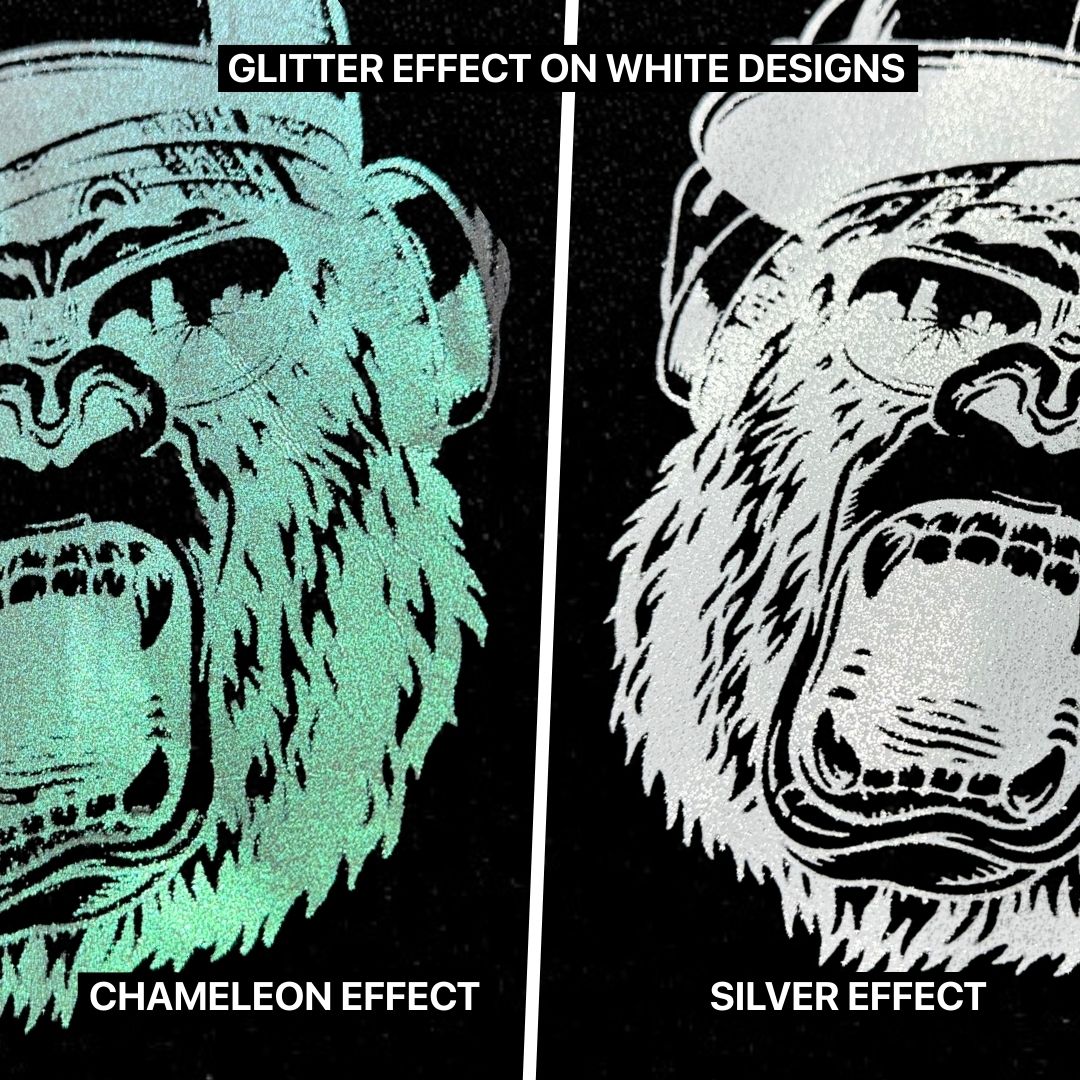
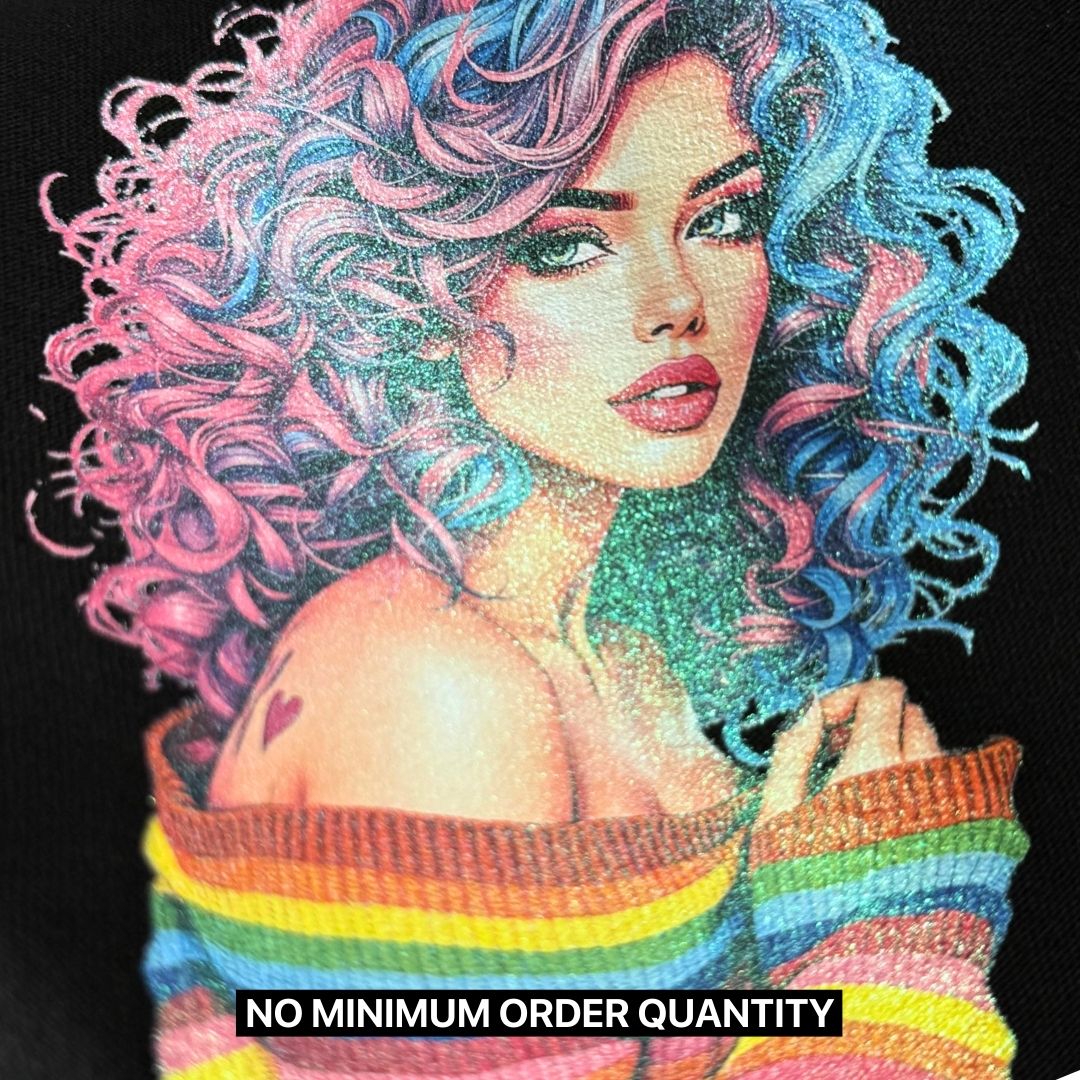
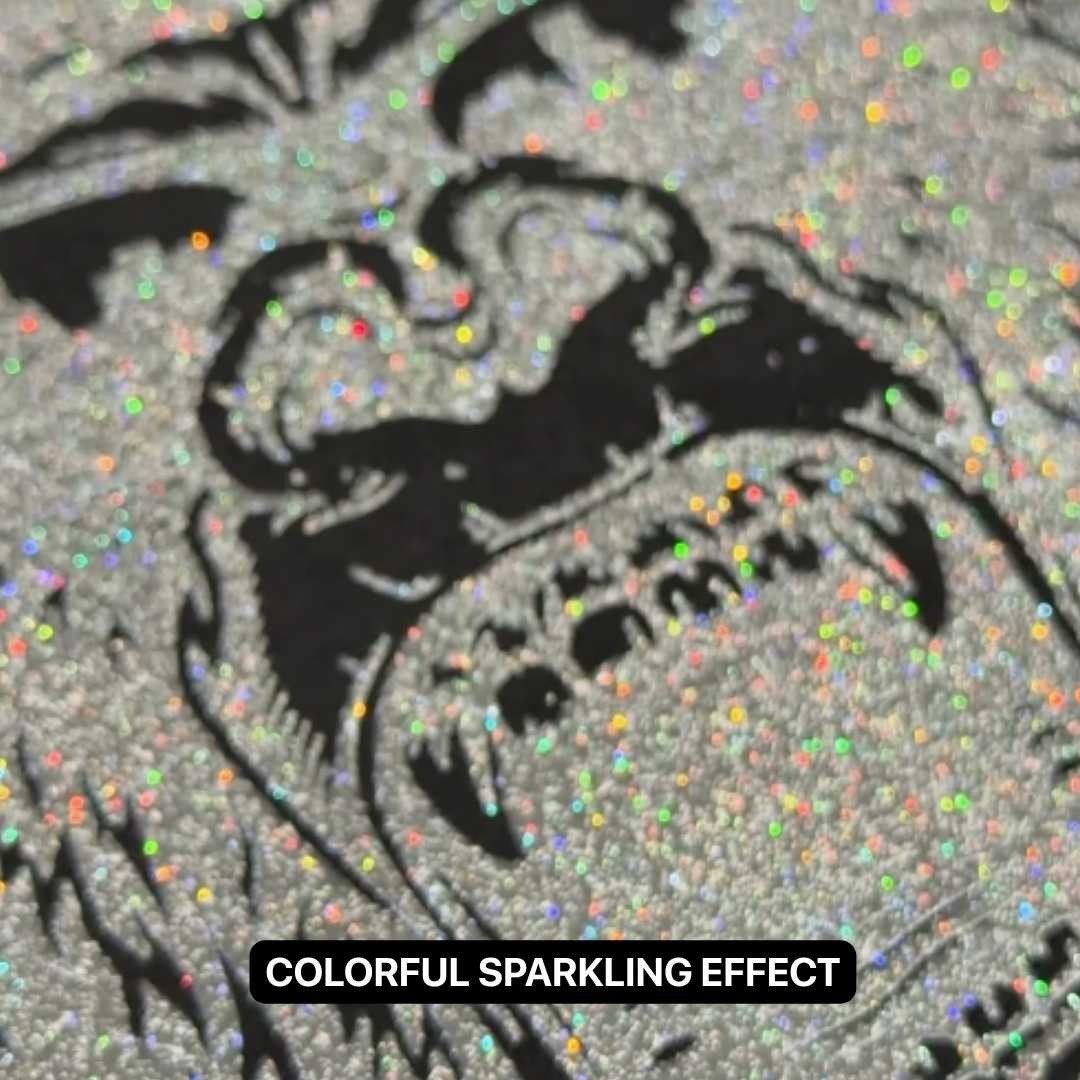
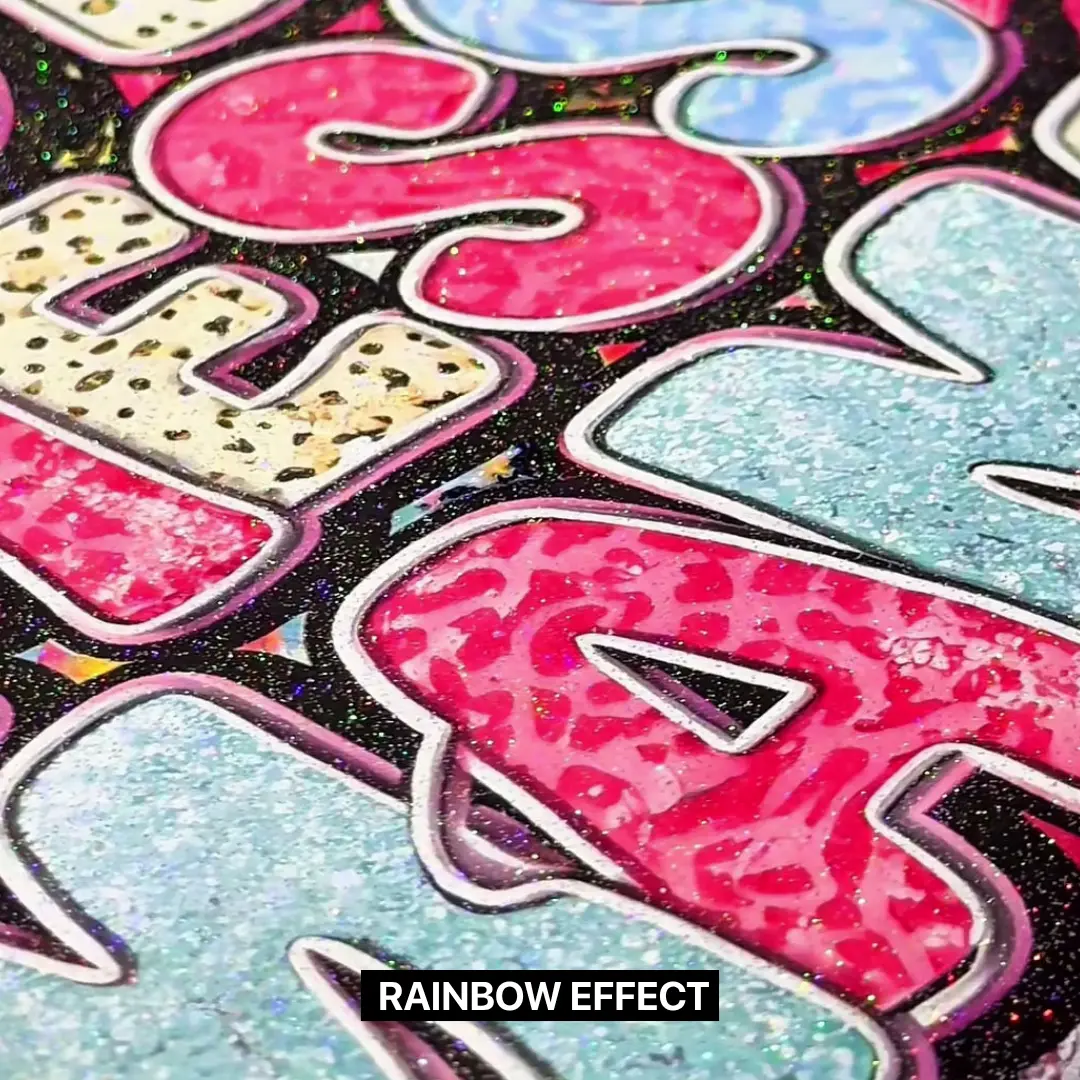
Delivering a mesmerizing, high-end finish that shimmers and shifts with light and viewing angles across the entire design. This refined glitter effect adds an eye-catching touch of glitz, allowing the details in your artwork to dazzle without being too overpowering.
Chameleon Glitter
Silver Glitter
Rainbow Glitter
Delivering a mesmerizing, high-end finish that shimmers and shifts with light and viewing angles across the entire design. This refined glitter effect adds an eye-catching touch of glitz, allowing the details in your artwork to dazzle without being too overpowering.
Chameleon Glitter
Silver Glitter
Rainbow Glitter
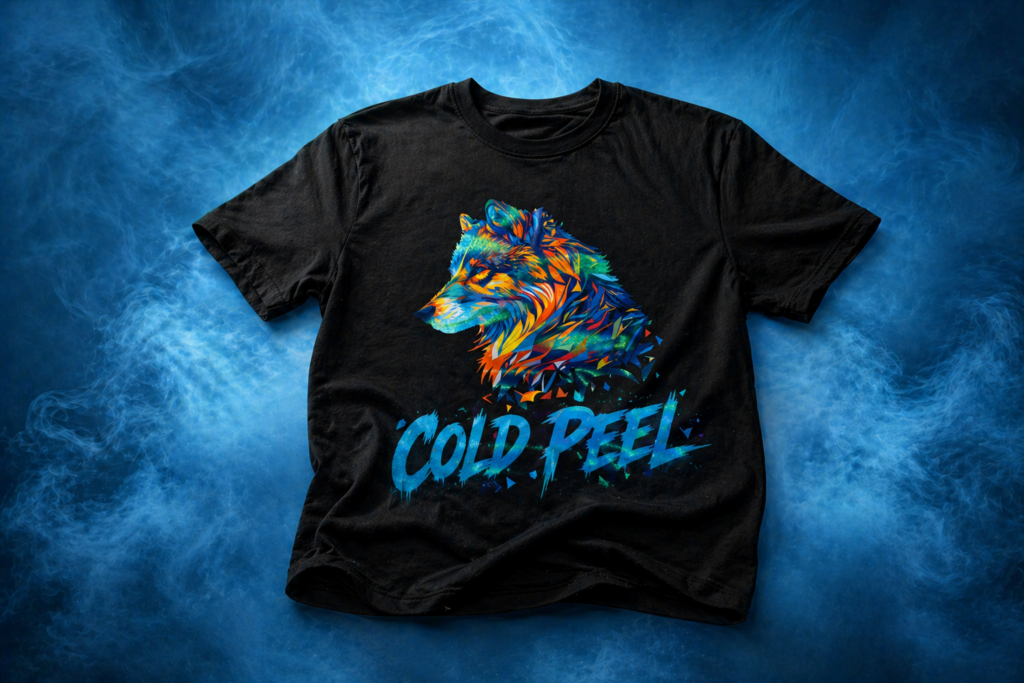
Cool Peel Film
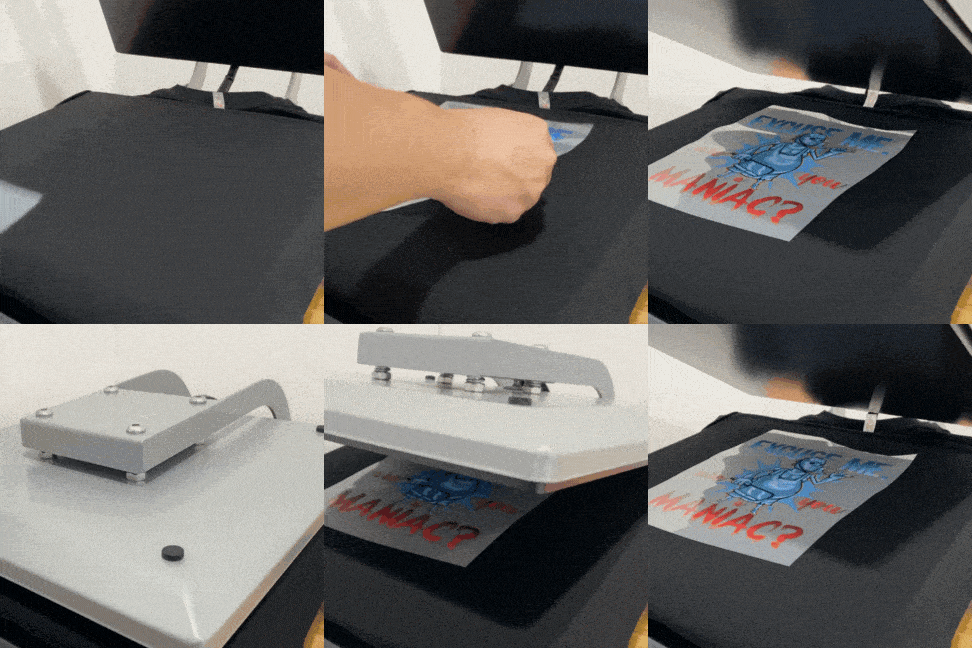
Press it hot - Let it cool - Peel it right.
Step 1: First Press
10 Seconds
Press the film at 300–320°F (150–160°C) using high pressure for 10 seconds. ✨
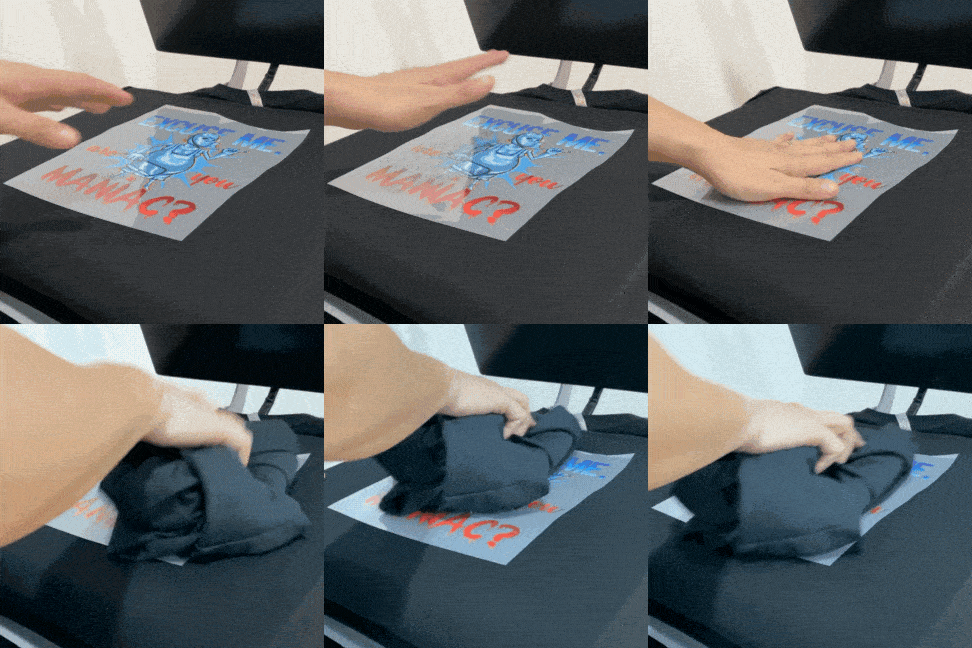
Step 2: Cool and Peel
(Cold Peel)
Step 3: Complete
Enjoy the Shine
Admire your glittering design — perfectly transferred and ready to impress! 💎
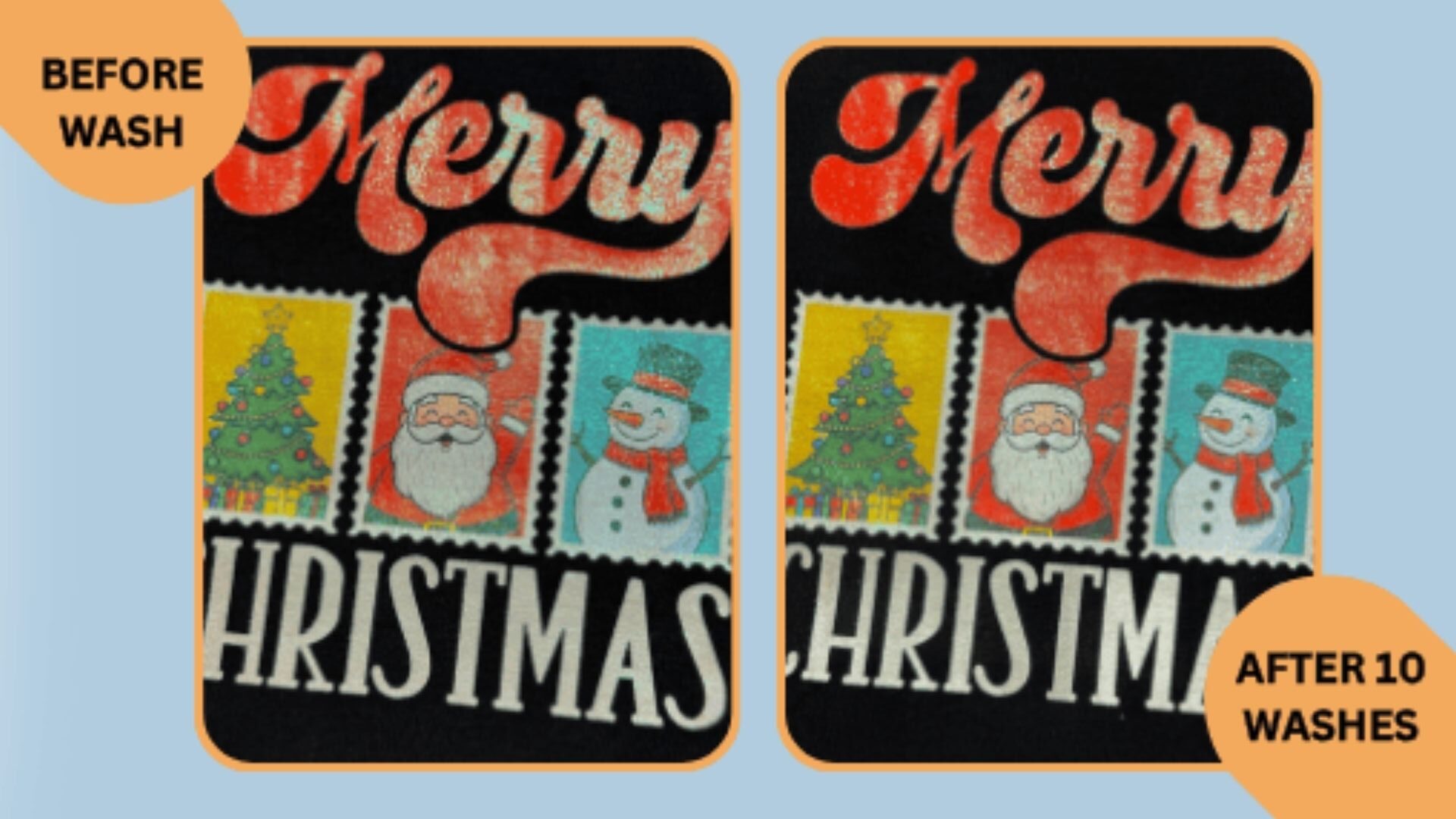
WASHABILITY:
Glitter DTF Film
After multiple harsh wash cycles at 60°C
Full Metallic
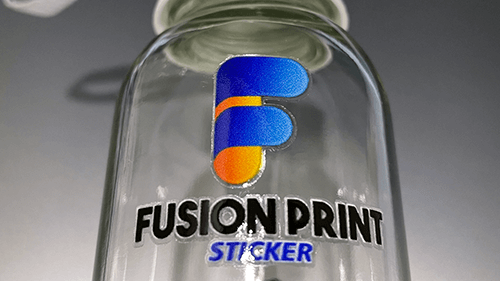
Pick your favorite sticker and cut it out from the roll or sheet! ✂️
Partial Metallic
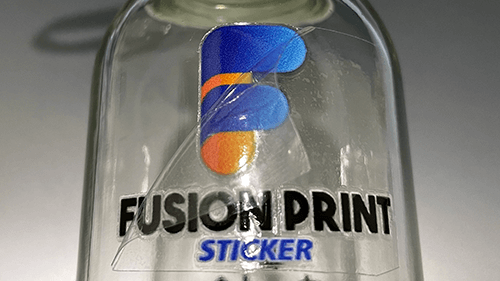
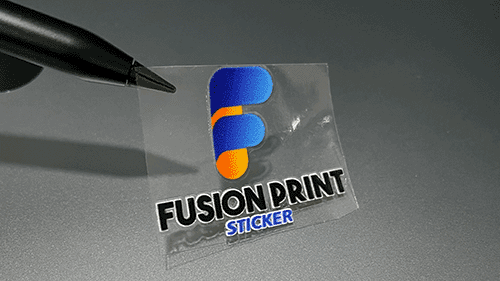
Place the sticker on a clean, smooth surface, then press down firmly, smooth it out with a specialized squeegee or a PVC card, and finally gently peel away the transparent backing. ✨
Works best on glass, metal, and hard plastic.
Foil Only
Covers the entire design in a single foil color, ideal for one-color artworks with transparent backgrounds. Delivers a sleek, refined metallic finish.
Effect:
- Full metallic coverage in your selected foil color.
- Transparent areas will remain clear.
- Perfect for minimalist, bold or text-based artwork.
This is the heading
UV Metallic
Full Metallic
Coats the entire artwork with a metallic finish, giving your design a bold, uniform shine. Every color will appear metallized — lighter colors will reflect more light and appear more vibrant, while darker colors will have a subtler metallic sheen.
Effect:
- Complete metallic coverage for the entire artwork.
- White areas will display your chosen foil color.
- Ideal for designs that require a striking, all-over metallic appearance.
Partial Metallic
Applies metallic coating only to selected areas of your artwork, allowing you to highlight specific design elements while keeping the rest printed as standard DTF film.
Effect:
- Have a combination of both metallic and regular DTF effect.
- White areas will display your chosen foil color.
- Great for designs where metallic shine enhances only certain parts such as logos, highlights and accents.
Foil Only
Covers the entire design in a single foil color, ideal for one-color artworks with transparent backgrounds. Delivers a sleek, refined metallic finish.
Effect:
- Full metallic coverage in your selected foil color.
- Transparent areas will remain clear.
- Perfect for minimalist, bold or text-based artwork.
Artwork Specifications
Helpful tips to ensure smooth printing for the best possible results.
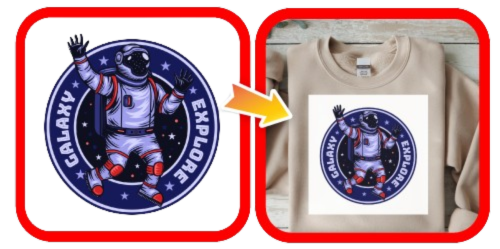
Poor Transparency
All displayed colors, including white backgrounds, will appear in the final print.
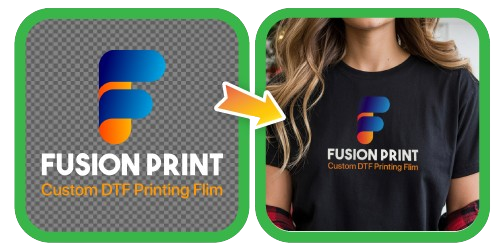
Excellent Transparency
The background is hidden in the final print. Transparency ensures precise results.
Poor Transparency
All displayed colors, including white backgrounds, will appear in the final print.
Excellent Transparency
The background is hidden in the final print. Transparency ensures precise results.
Lines or text appear
too thin
Maintain a minimum stroke width of 8–10 pixels for optimal print clarity.
Use thicker or larger fonts for clearer results.
Some pixels may shrink, so keep designs bold or thick as possible to be more visible.
Lines or text appear too thin
Maintain a minimum stroke width of
8–10 pixels for optimal print clarity.
Use thicker or larger fonts for clearer results
Some pixels may shrink, so keep designs bold or thick as possible to be more visible.
Glossy Edge
Gloss Edge - 0.5 mm
Benefits:
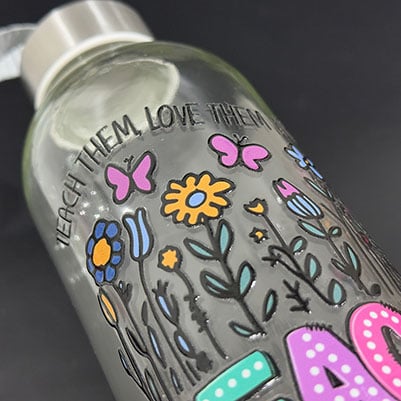
- Adds extra protection against chipping.
- Easier to transfer small or thin designs.
Limitations:
- May slightly change the design’s appearance.
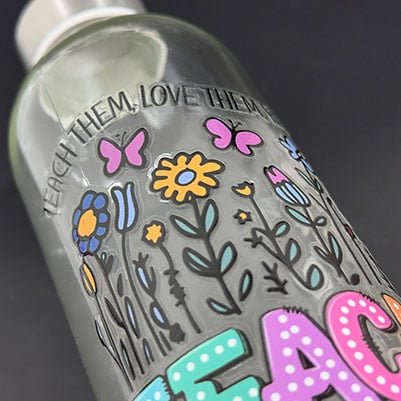
- Thicker gloss layer takes up more space, not ideal for smaller items such as nails or pens.
No Gloss Edge - 0 mm
Benefits:
- Gives a cleaner look, ideal for tight surfaces.
- Mimics the look of direct screen printing.
Limitations:
- Small designs may stick to the transfer tape.
- Small details may chip off more easily.
Gloss Edge
0.5 mm
Benefits:
- Adds extra protection against chipping.
- Easier to transfer small or thin designs.
Limitations:
- May slightly change the design’s appearance.
- Thicker gloss layer takes up more space, not ideal for smaller items such as nails or pens.
No Gloss Edge
0 mm
Benefits:
- Gives a cleaner look, ideal for tight surfaces.
- Mimics the look of direct screen printing.
Limitations:
- Small designs may stick to the transfer tape.
- Small details may chip off more easily.
How It Works?
Step 1 - Cut Out Your Sticker
Pick your favorite sticker and cut it out from the roll or sheet! ✂️
Step 2 - Stick and Peel
Place the sticker on a clean, smooth surface, then press down firmly, smooth it out with a specialized squeegee or a PVC card, and finally gently peel away the transparent backing. ✨
Works best on glass, metal, and hard plastic.
Step 3 - Enjoy Your New Look
Your beautiful design is now perfectly transferred and ready to show off. 🎉
How It Works?
1 - Cut out a sticker
Stickers come in roll or long sheet form and you will customer a piece out for transferring / sticking
2 - Stick and Peel
Sticking it onto a hard surface like Glass, Metal or Plastic that is clean and stackable, squeeze or apply pressure around the design and Peel!
3 - Done Transferring!
The print will be transferred to the surface.