Try our Quick Heat Press Instruction:

Sale!

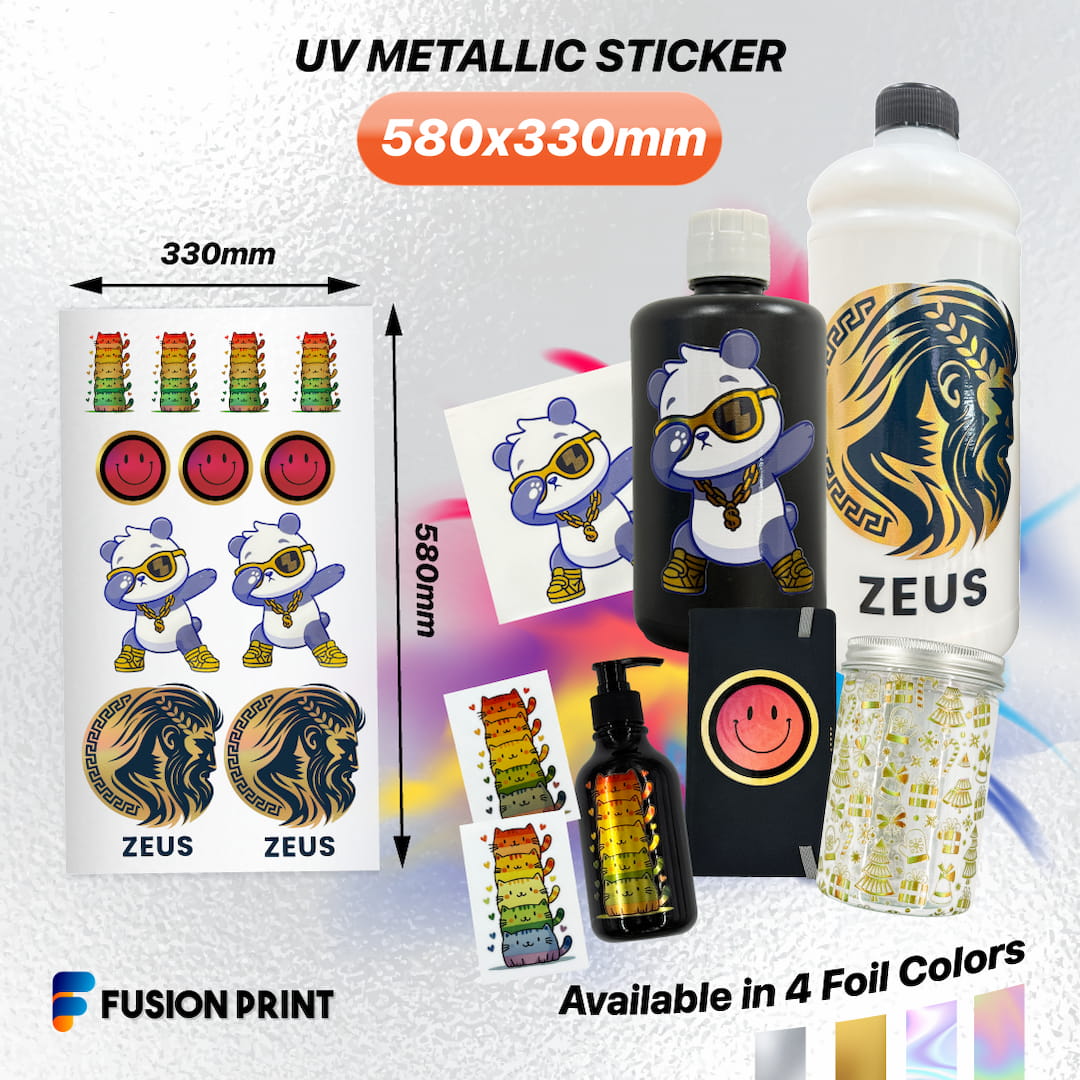
Fusion Print – Metallic UV DTF Sticker

$ 9.84

Artwork Specifications:

  • Size:  22.8″ Width x 13″ Height / 580mm x 330mm
  • File Format: PNG or TIF (For Partial Metallic)
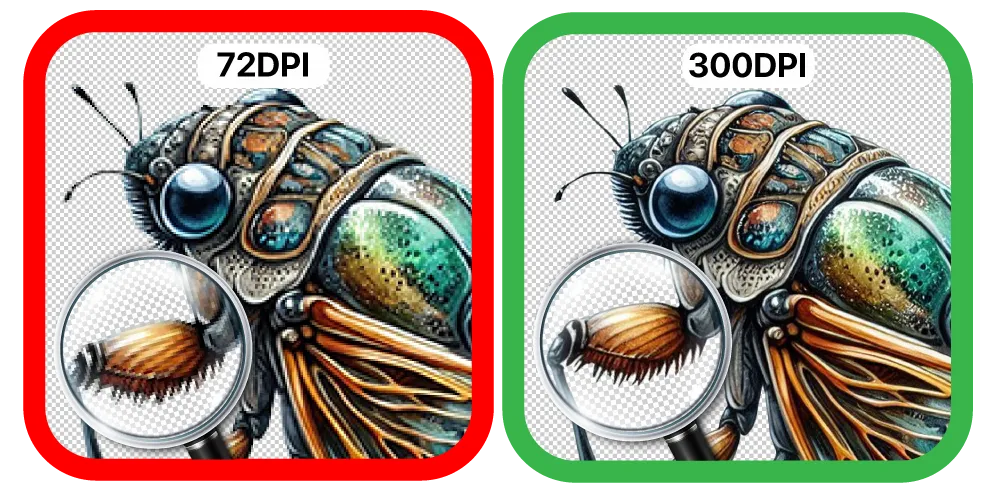
  • Resolution: 300 DPI Only
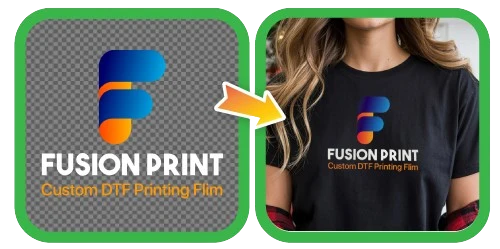
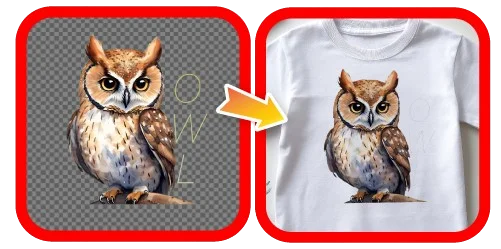
  • Background: TRANSPARENT
  • Smallest Text / Design: More than 10 pixels / 0.85 mm /0.03 inch
  • Must include Layer Name “fpfoil1” for Partial Metallic

Disclaimer: Customers hold full copyright responsibility for all designs printed with us. Kindly ensure you have proper permission to use any copyrighted materials before submitting your artwork.

Metallic Types

Explore the versatility of metallic finishes designed to complement any artwork.

Full Metallic

UVM-Metallic-Stickers-Full-Metallic-Variations_v2

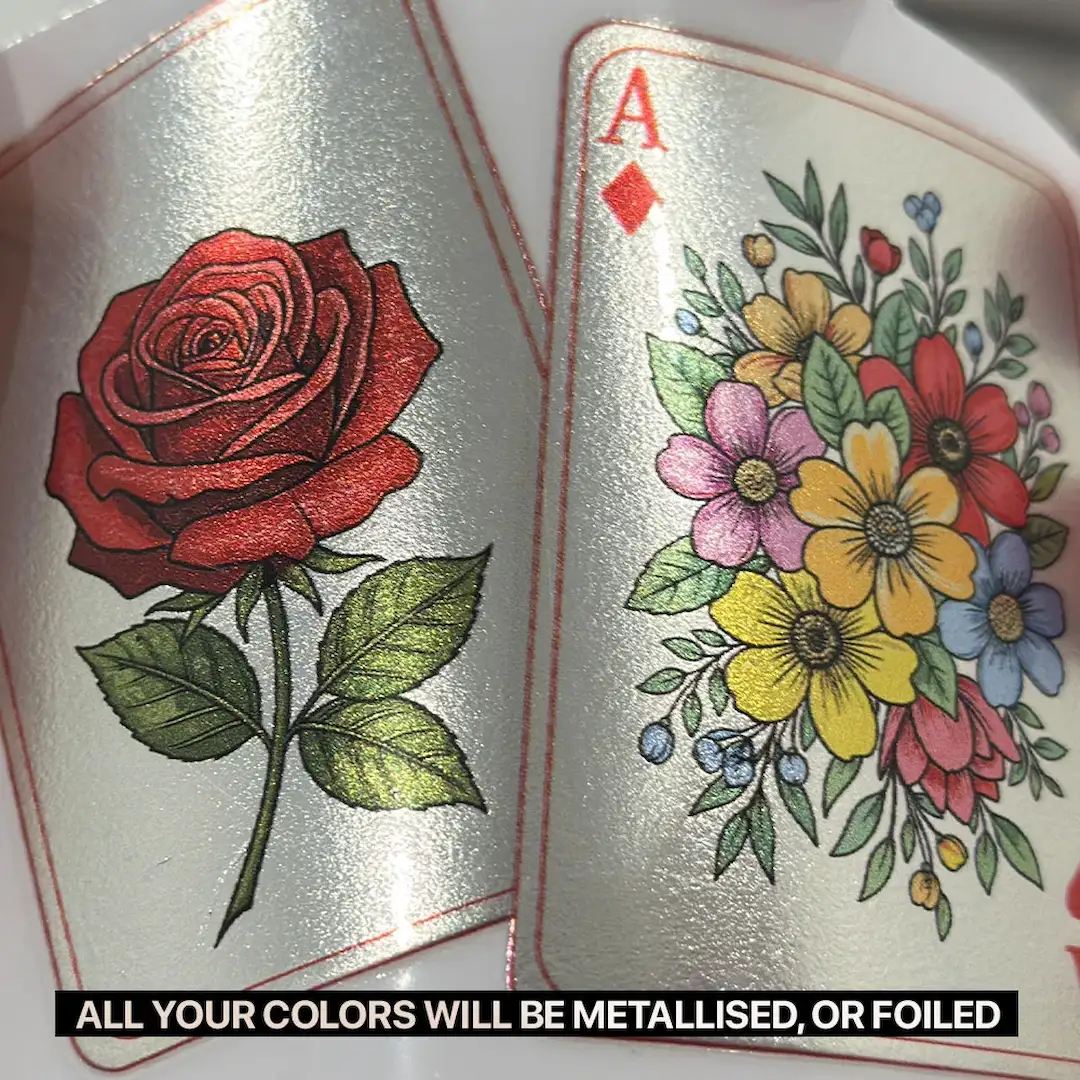
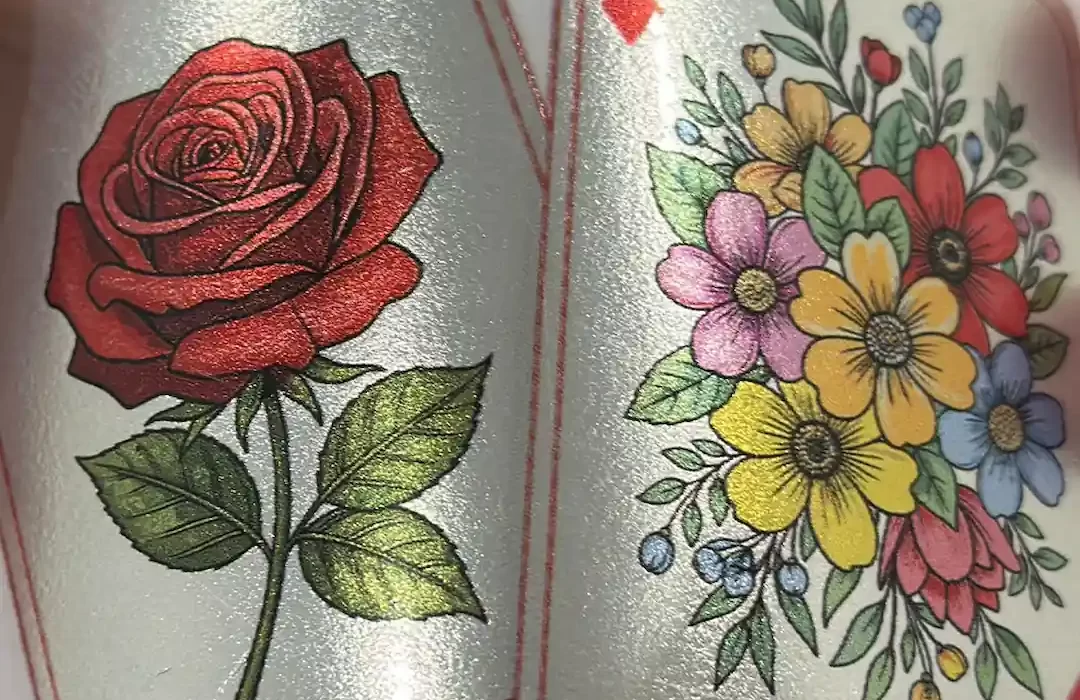
Coats the entire artwork with a metallic finish. Lighter colors will appear reflective and more vibrant, while dark colors will have a subtler metallic sheen, giving your design a bold, uniform shine.

Partial Metallic

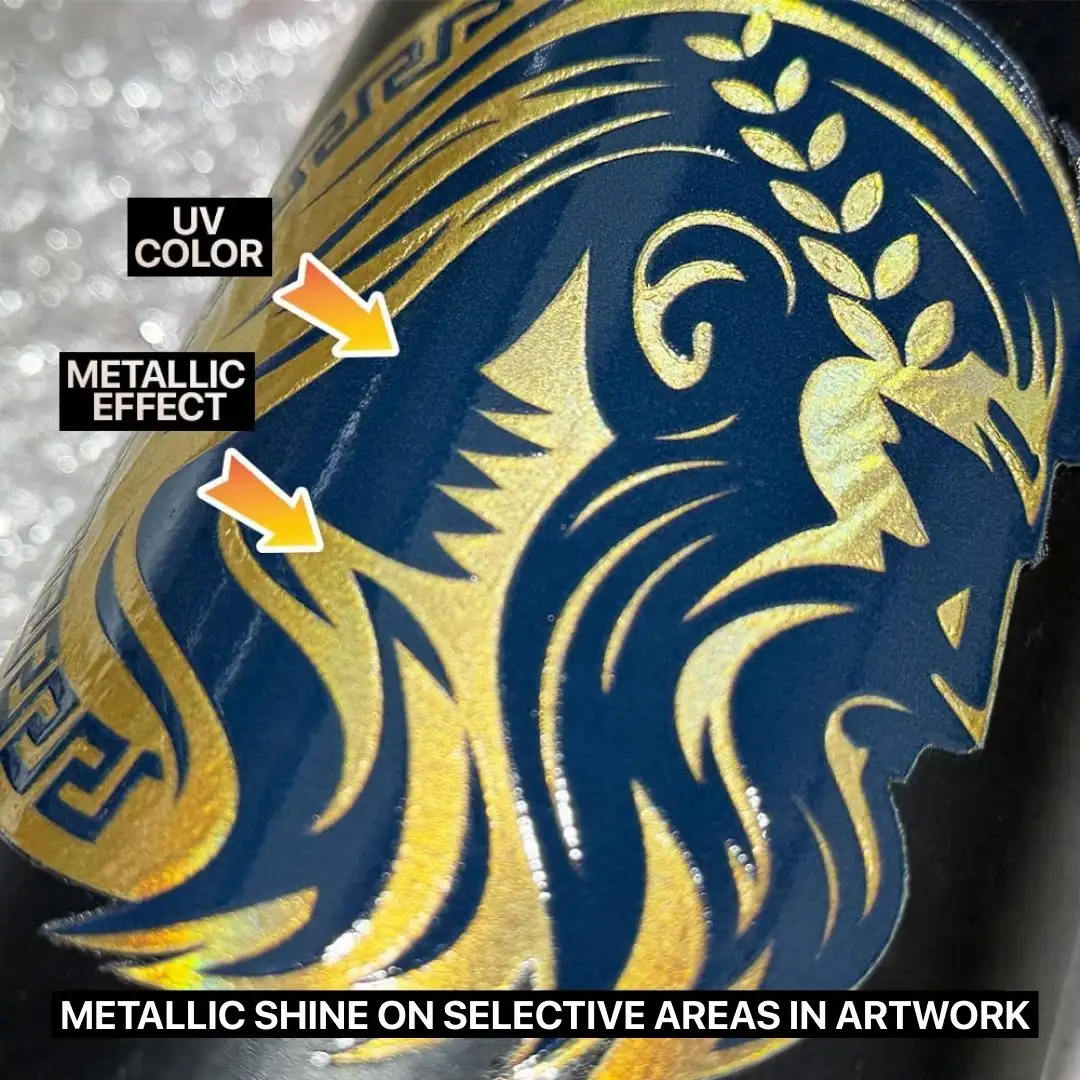
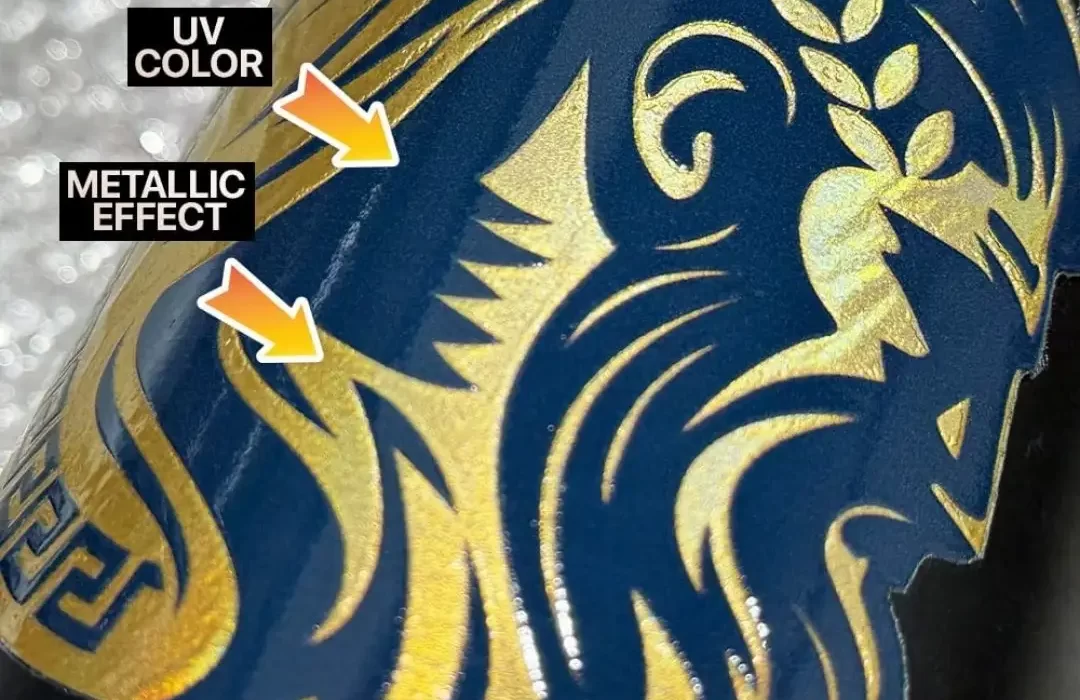
Close-up of a UV sticker design of Zeus in dark blue with hair in foiled golden colour on a black bottle.

Applies metallic coating only to selected areas of your artwork, allowing you to highlight specific design elements while keeping the rest printed as standard DTF film.

* Require TIF file with a specific layer named exactly “fpfoil1” to define the metallic areas, while all other layers will be printed as solid colors with a white ink base.

Foil Only

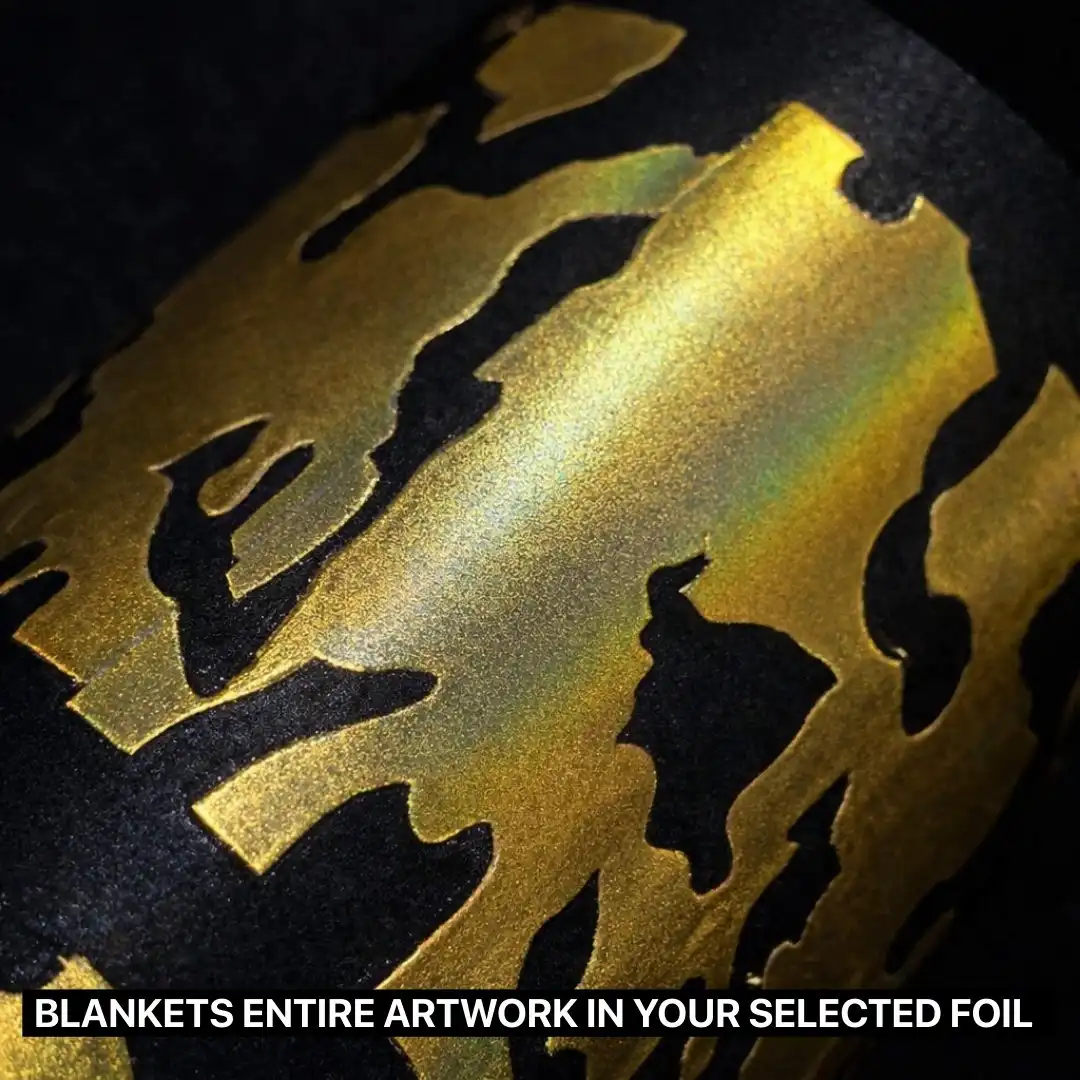
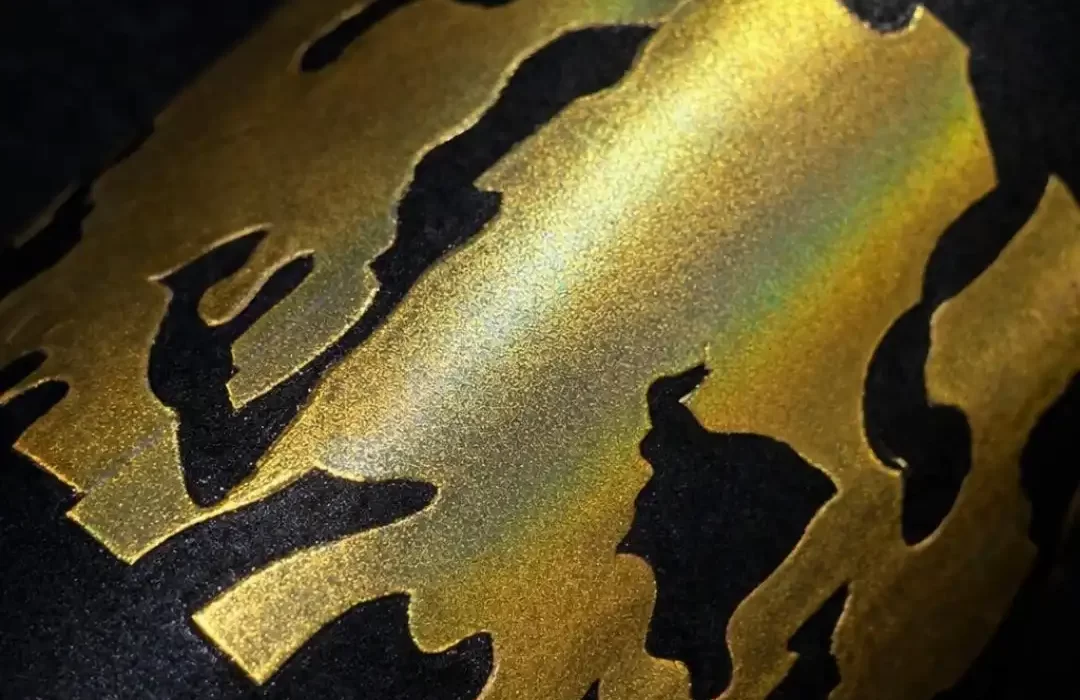
Close-up of a black fabric featuring a gold metallic foil DTF print, showing a smooth, reflective finish that fully covers the artwork with a premium shine.

Strips away all colors and transforms your entire design into one striking foil color. Perfect for one-color artworks with transparent backgrounds, resulting in a sleek, premium metallic finish.

Effect:

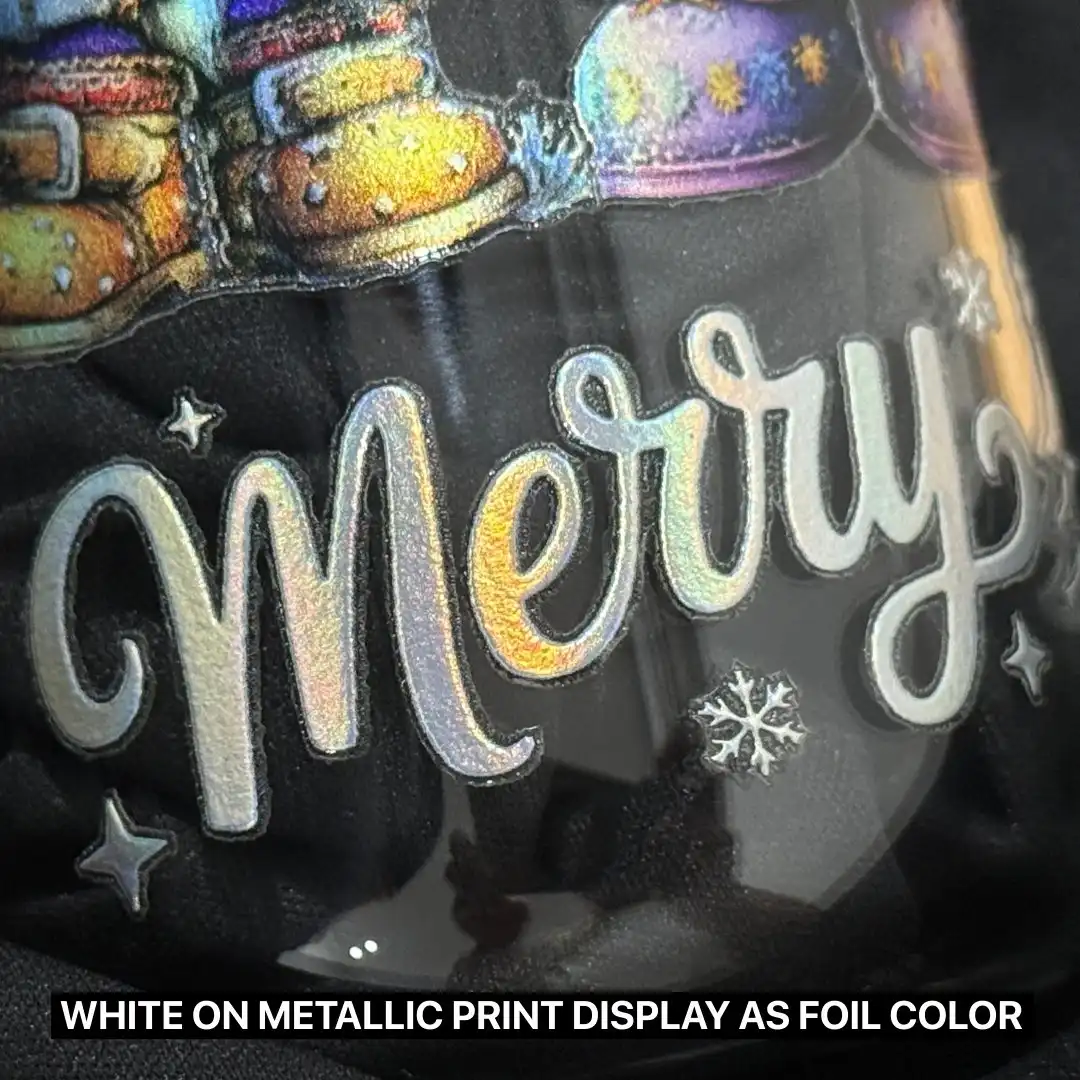
  • White areas are seen as foil’s chosen color.
  • Metallic coverage for the entire artwork.
  • Ideal for designs that require a striking, all-over metallic appearance.

Effect:

  • Have a combination of both metallic and regular DTF effect.
  • White areas will display your chosen foil color.
  • Great for designs where metallic shine enhances only certain parts such as logos, highlights and accents.

Effect:

  • Full metallic coverage applied across the entire artwork in your selected foil color.
  • Transparent areas will remain clear.
  • Perfect for minimalist, bold or text-based artwork.

Full Metallic

UVM-Metallic-Stickers-Full-Metallic-Variations_v2

Coats the entire artwork with a metallic finish. Lighter colors will appear reflective and more vibrant, while dark colors will have a subtler metallic sheen, giving your design a bold, uniform shine.

Effect:

  • White areas are seen as foil’s chosen color.
  • Metallic coverage for the entire artwork.
  • Ideal for designs that require a striking, all-over metallic appearance.

Partial Metallic

Close-up of a UV sticker design of Zeus in dark blue with hair in foiled golden colour on a black bottle.

Applies metallic coating only to selected areas of your artwork, allowing you to highlight specific design elements while keeping the rest printed as standard DTF film.

* Require TIF file with a specific layer named exactly “fpfoil1” to define the metallic areas, while all other layers will be printed as solid colors with a white ink base.

Effect:

  • Have a combination of both metallic and regular DTF effect.
  • White areas will display your chosen foil color.
  • Great for designs where metallic shine enhances only certain parts such as logos, highlights and accents.

Foil Only

Close-up of a black fabric featuring a gold metallic foil DTF print, showing a smooth, reflective finish that fully covers the artwork with a premium shine.

Strips away all colors and transforms your entire design into one striking foil color. Perfect for one-color artworks with transparent backgrounds, resulting in a sleek, premium metallic finish.

Effect:

  • Full metallic coverage applied across the entire artwork in your selected foil color.
  • Transparent areas will remain clear.
  • Perfect for minimalist, bold or text-based artwork.

How It Works?

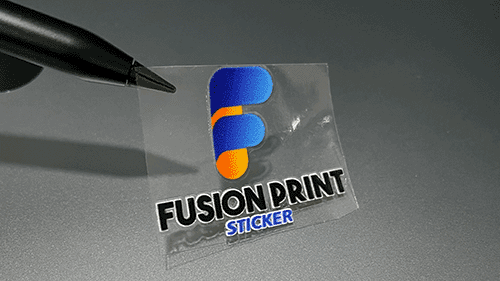
Step 1 - Cut Out Your Sticker

Pick your favorite sticker and cut it out from the roll or sheet! ✂️

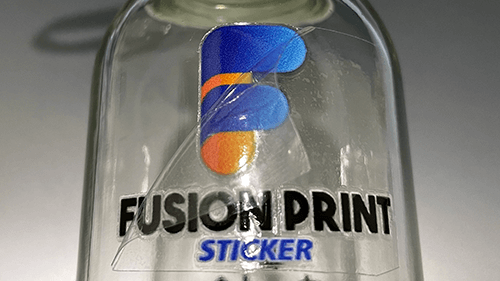
Step 2 - Stick and Peel

Place the sticker on a clean, smooth surface, then press down firmly, smooth it out with a specialized squeegee or a PVC card, and finally gently peel away the transparent backing. ✨

Works best on glass, metal, and hard plastic.

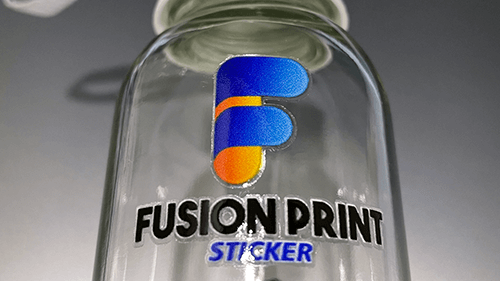
Step 3 - Enjoy Your New Look

Your beautiful design is now perfectly transferred and ready to show off. 🎉

Artwork Specifications

Helpful tips to ensure smooth printing for the best possible results.

Scroll to Top